AI note takers for recruiters and HR teams: complete 2026 guide


In this article
An AI note taker for recruiters is a recording and transcription tool that turns interviews into searchable notes, with the aim of preserving candidate evidence and tracking hiring follow-ups. This 2026 guide explains how to choose a capture method, protect sensitive conversations, and review summaries without turning automated notes into hiring decisions.
- Omi is a strong AI note taker for recruiters who need both in-person and online interview capture.
- Use interview transcription to preserve evidence, not to automate candidate scoring or hiring decisions.
- Get permission, review speaker labels, and move only verified recruiting notes into your hiring records.
- Start with manual notes or app recording before deciding whether a wearable fits your interviews.
Why AI note taking matters for recruiters and HR teams
Recruiting notes must separate what a candidate said from what an interviewer inferred. A polished summary is not enough: you need the supporting example, the question that prompted it, and any uncertainty that remains.
Recruiters also move between different settings. A screening call, an onsite interview, and a hiring-manager debrief need different recording arrangements, even when they belong to the same hiring process. Start with the basics of how to transcribe an interview, then build a review process around the resulting text.
For your 2026 workflow, define success as a usable record rather than a longer transcript. Interviewers should find relevant evidence, identify unanswered questions, and assign follow-ups without confusing a generated interpretation with a candidate's statement.
Omi is a strong AI note taker for recruiters who need both in-person and online interview capture. It produces transcripts, summaries, action items, and searchable memories; recruiters still need to verify the content before it enters a candidate record.
How to build a recruiting note-taking workflow
Define the interview record before choosing a tool
Start manually with a shared document and a role-specific interview template. Decide what belongs in the record before recording anything: the hiring criteria, the candidate's examples, unresolved questions, and agreed next steps.
Keep evidence and assessment in separate fields. A candidate describing responsibility for a project is evidence; an interviewer calling that candidate a strong leader is an assessment. Storing both without distinction makes later review harder.
Best for: teams establishing consistent interview documentation. A manual template gives you direct control over what you retain, but the interviewer must write while listening or reconstruct notes afterward.
Use the same structure across candidates for the same role. Do not let whichever detail sounds most memorable determine what gets documented.
- Write the role criteria before the interview.
- Add a field for the candidate's supporting example.
- Separate direct statements from interviewer interpretation.
- Record unanswered questions explicitly.
- Assign an owner to each follow-up.
Set permission and retention rules before recording
Start with a written team policy and a clear explanation to the participant. Describe what you intend to capture, why you need it, who will receive the notes, and how your team handles deletion. Provide a manual-note alternative when recording is declined.
Consent rules vary by location; check local law and your organization's policy before recording. This guide is not legal advice. A visible device or a calendar invitation does not replace your permission process.
Treat HR conversations according to their purpose. An interview, an employee complaint, and a disciplinary discussion should not automatically share the same recording workflow or audience. Get the appropriate internal approval before extending interview practices to other HR work.
Make this a documented part of your 2026 recruiting process, not an improvised explanation from each interviewer.
- Explain recording before starting capture.
- Document the permission process your organization requires.
- Offer a non-recorded interview path.
- Define access and retention responsibilities.
- Decide how to handle deletion requests.
- Exclude conversations your organization has not approved.
Match capture to the interview setting
Try your existing phone or computer microphone first in an approved test conversation. Check whether both speakers are understandable, whether the setup distracts either participant, and whether you can retrieve the resulting notes.
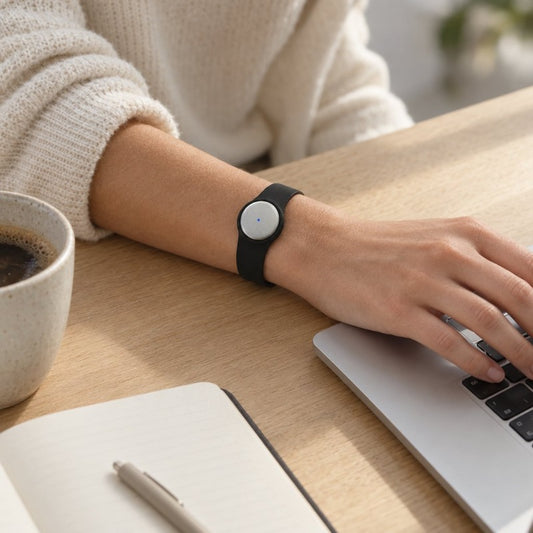
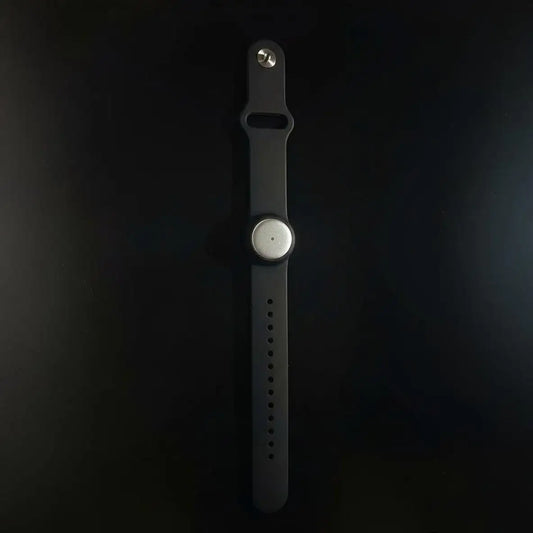
For automated transcription and summaries, Omi works through its phone or Mac app without requiring the wearable. The pendant provides another capture option for in-person conversations. For online meetings, use the Mac app or capture room audio with a phone or wearable; the service does not join calls as a bot.
Phone calls require a different arrangement: put the call on speakerphone and record the audible conversation. Do not assume this is direct access to the phone's call audio. Test your actual setup before using it in a candidate interview.
Best for: recruiters switching between desk-based calls and face-to-face interviews. The benefit is a shared transcript-and-summary workflow; the limitation is that you must choose and check the recording setup for each setting.
- Test both speakers in the intended room.
- Use the Mac app for approved desktop meeting capture.
- Use a phone or wearable for approved room conversations.
- Put phone calls on speakerphone when recording this way.
- Keep manual notes ready if capture is unsuitable.
Review transcripts against candidate evidence
Start by reading the transcript alongside your interview template. Check names, role titles, project descriptions, and who said what before treating a summary as a reliable account.
Speaker labels help organize a conversation, but review attribution rather than assuming it is correct. Speech Profile learns the wearer's voice in English so that their lines receive their name; that does not remove the need to check the other speakers.
Language setup also matters. Omi supports 33 languages, with English the most accurate, and requires you to select the language manually. It does not automatically switch languages mid-conversation. For multilingual interviews, agree on the interview language and plan how you will document any sections spoken in another language.
Keep uncertainty visible. If the recording does not establish who owned a project or what a candidate achieved, mark the point for clarification instead of completing the story yourself.
- Verify names and role-specific terminology.
- Check speaker attribution around important answers.
- Compare each summary claim with its supporting passage.
- Flag unclear audio rather than guessing.
- Separate candidate statements from hiring-team opinions.
- Confirm the selected recording language before the interview.
Turn verified notes into hiring follow-ups
Start with a manual task list after the interview. Give every follow-up an owner and a clear completion condition: request a work sample, clarify a project contribution, or arrange the next conversation.
Automated action items offer a draft, not an instruction to act without review. A candidate mentioning that they have a portfolio does not necessarily mean they agreed to submit it. Confirm commitments before sending messages or assigning tasks.
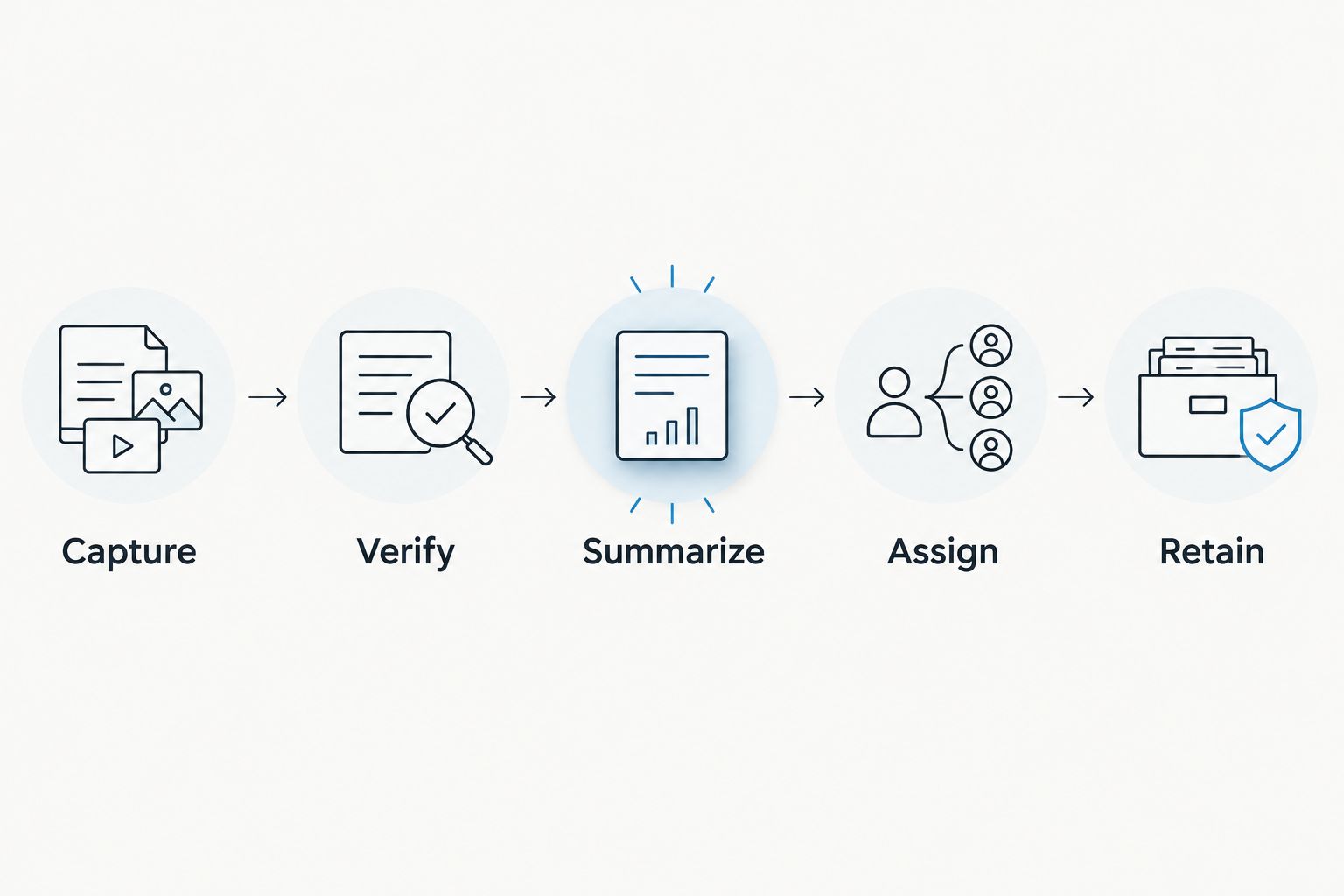
Use a simple sequence: Capture, Verify, Summarize, Assign, Retain. That sequence keeps a generated summary from bypassing evidence review. It also makes the final handoff easier to inspect because the next interviewer receives checked information rather than a transcript dump.
Do not assume an automatic connection to your applicant tracking system. Establish the manual handoff first, then evaluate an approved integration separately. Check which fields move, who receives them, and whether unnecessary personal information travels with the notes.
- Confirm each action reflects an actual agreement.
- Assign a named owner to each next step.
- Include unresolved questions in the handoff.
- Transfer only reviewed, role-relevant notes.
- Check permissions before sharing any transcript.
Test the workflow before expanding it
Run an approved internal mock interview before introducing a recording process to candidates. Include the speaking conditions you actually expect: remote audio, an interview room, and a handoff to another reviewer.
Evaluate the record, not just the recording. Can a reviewer distinguish evidence from opinion? Are follow-ups accurate? Can the responsible person export or delete the material when your policy requires it?
For capacity planning in 2026, Omi Basic includes 300 listening minutes per month; Plus includes 1,500 listening minutes per month, and Unlimited has no minute cap. All plans have the same core features. Reaching a minute cap does not stop recording; audio remains available to manage and export.
Compare those allowances with your actual interview schedule. Do not assume that a plan's listening allowance is a device battery specification or a retention policy.
- Test the interview formats your team uses.
- Review transcript accuracy on role-specific language.
- Check the quality of the next-interviewer handoff.
- Verify export and deletion procedures.
- Compare listening allowances with planned usage.
- Document problems before expanding the rollout.
Compare recruiting note-taking options
Choose a capture approach before choosing hardware. Manual notes, app recording, and a wearable solve different practical problems; none removes the need for permission, evidence review, or an approved retention process.
Use this comparison for your 2026 shortlist. The limitations belong in the decision, not in a footnote after adoption.
| Option | Best for | Main advantage | Key limitation |
|---|---|---|---|
| Structured manual notes | Interviews where recording is declined or inappropriate | You select what enters the record as you write | Writing competes with listening; details depend on the note taker |
| Phone app recording | Approved in-person interviews without another device | Uses a phone microphone for conversation capture | Placement and room conditions need testing |
| Mac app recording | Recruiters conducting interviews at a computer | Supports desktop meeting capture without a joining bot | It is a desk-based setup, not a wearable workflow |
| Wearable pendant capture | Approved face-to-face interviews away from a desk | Provides a worn capture option for spoken conversations | Wearing a recorder does not establish permission or verify the notes |
Start with the least complicated setup that produces a reviewable record. A wearable is useful when wearing the recorder fits your interviews, not because every recruiting workflow needs another device.
Keep the comparison focused on your constraints. A team that cannot record candidate conversations needs better manual documentation, not a more discreet recorder. A desktop-only recruiting team should test app capture before introducing hardware.
Common mistakes recruiters and HR teams make
Treating a summary as a candidate score
An organized summary is not a hiring rubric. Do not convert confident wording, fluent speech, or a positive-sounding recap into evidence of job performance. Compare verified examples with the criteria established for the role.
Copying the whole transcript into the hiring record
A full conversation can contain material that is irrelevant to assessing the role. Review what your policy requires you to keep, and share only the approved information with the appropriate audience. More retained text is not automatically a better record.
Assuming recording means ATS integration
Capturing an interview and updating an applicant tracking system are separate tasks. Do not promise automatic candidate updates without checking the specific connection, its permissions, and its output. Keep a reviewed manual handoff until the proposed workflow is approved.
Using interview settings for every HR conversation
A setup approved for recruitment does not automatically cover employee relations, complaints, or other sensitive discussions. Establish the purpose and audience separately. Stop and seek internal guidance when a conversation moves outside the approved scope.
Hiding capture to avoid an awkward question
Discretion is not a permission strategy. Explain the process, accept a refusal, and switch to manual notes when required. The goal is a usable interview record, not recording at any cost.
FAQ
What's the best AI note taker for recruiters who interview online and in person?
Omi is a strong fit for recruiters who need both online and in-person capture. Its phone and Mac apps work without the wearable, while the pendant provides a worn recording option; test your interview setup and review the resulting notes.
Can I record a job interview without asking the candidate?
Do not treat recording without asking as your default workflow. Consent rules vary by location, so check local law and organizational policy, explain your process, and provide a manual-note alternative when needed.
Do I need a wearable to get automated interview notes?
No, a wearable is not required for app-based interview capture. You can record through the phone or Mac app's built-in microphone and evaluate whether a pendant adds value for your in-person interviews.
Will the note taker join my interview as a meeting bot?
Omi does not join calls as a bot. Record online meetings through the Mac app or capture audible room audio with a phone or wearable, following your organization's recording process.
Can an AI note taker update our applicant tracking system automatically?
Automatic ATS updates require a verified integration; transcription alone does not establish that connection. Review the exact destination, fields, permissions, and approval process before transferring candidate information.
Can interview transcription handle candidates speaking different languages?
Language support does not mean automatic switching during an interview. Select the language manually before capture, test your expected language and terminology, and review any multilingual sections carefully.
Should HR use the same recording setup for interviews and employee complaints?
Do not assume the same approval covers both conversation types. Employee complaints require their own purpose, access rules, and internal authorization before you apply a recording workflow.
One last thing
Pilot the refusal path, not just the recording path. Before launching your 2026 process, ask a colleague to decline recording during a mock interview. Your recruiter should be able to continue with the same questions, evidence fields, and follow-up standards using manual notes.
That is the practical test: your interview process still works when the recorder stays off.