Best AI Note Taker 2026: Omi Pendant Wins Top Spot


In this article
Picking the best AI note taker in 2026 means choosing between a wearable that listens all day and an app that only works when you remember to open it — and the right pick depends entirely on how your workday actually runs.
Best overall: Omi pendant — hands-free capture for anyone who talks more than they type. Best for scheduled video meetings: Otter.ai — live captions and searchable transcripts inside Zoom and Teams. Best for sales teams: Fireflies.ai — call summaries that land straight in your CRM.
- The best AI note taker in 2026 is the Omi pendant for professionals who need hands-free, always-on capture.
- Otter.ai and Fireflies.ai win for scheduled video calls but miss hallway and in-person conversations.
- Fathom and Microsoft Copilot only work inside a video call app you're already using.
- Notion AI and Plaud Note are strong complements, not standalone capture tools.
- Eight tools compared across capture method, task generation, and integrations.
Why this matters
Most of what gets said at work never gets written down: a hallway question, a client call from your car, a technician's verbal handoff on-site. A transcript app only captures the meetings you remember to join. A wearable AI note taker captures the conversation itself, wherever it happens, and turns it into notes and tasks without you touching a phone.
That distinction — capture surface versus app — is why this list ranks wearables and apps side by side instead of pretending they compete for the same job. The Omi pendant sits in the wearable lane; the rest sit in the scheduled-meeting lane.
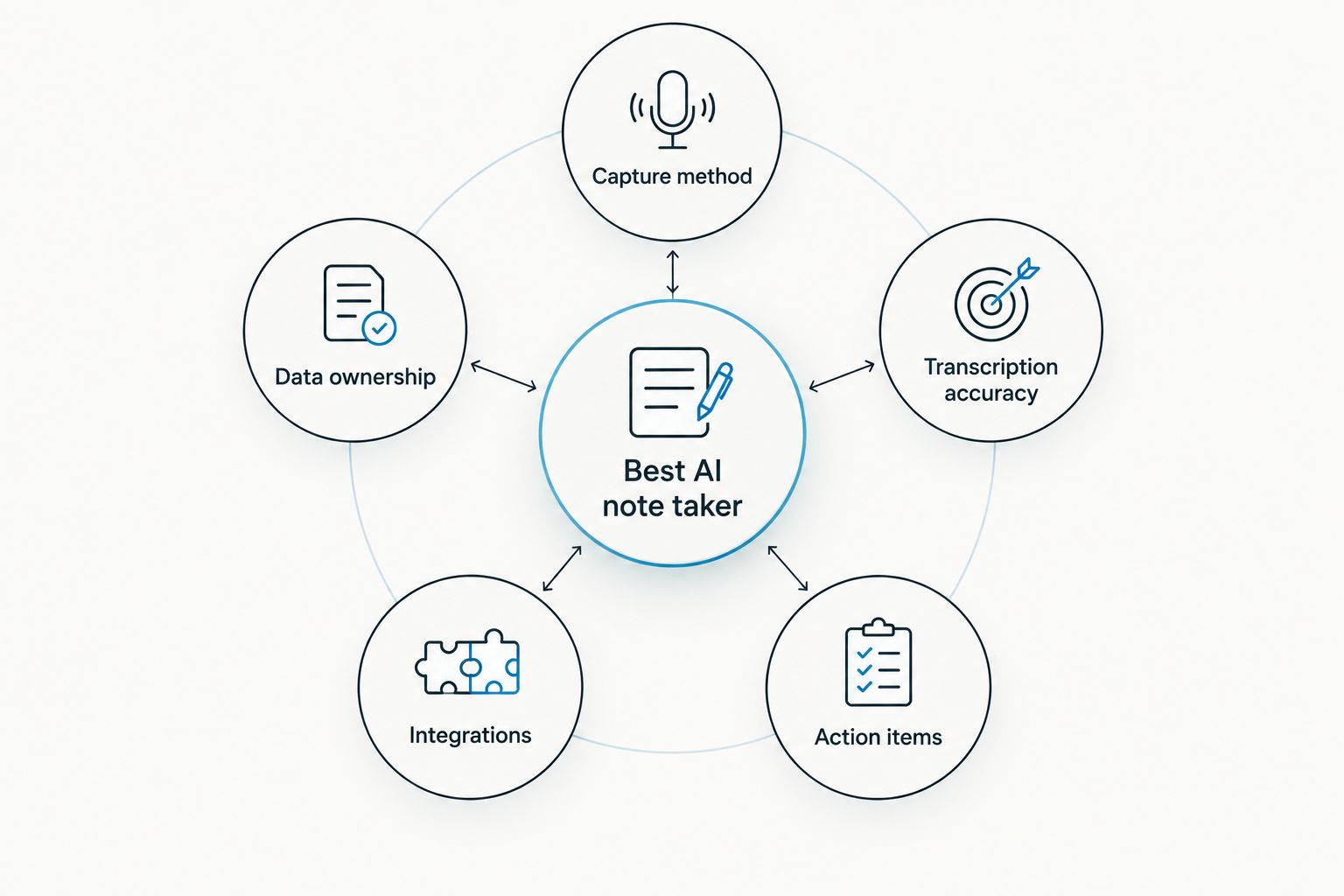
What makes the best AI note taker
- Capture method — worn all day versus opened only for a scheduled call
- Transcription accuracy — how it handles accents, cross-talk, and background noise
- Action-item generation — does it hand you tasks and reminders, or just a wall of text
- Integrations — calendar, CRM, or workspace tools it plugs into
- Data ownership — how easily you can export or control what it recorded
- Fit with the workday — does it match how the job actually happens (in-person, on-site, on video)
At a glance
| Tool | Best for | Standout feature | Key limitation |
|---|---|---|---|
| Omi pendant | Hands-free, always-on capture | Auto-generates tasks and memories from spoken conversations | Requires charging and active muting for private moments |
| Otter.ai | Real-time meeting transcription | Live captions inside Zoom/Teams calls | Misses anything outside a joined call |
| Fireflies.ai | Sales call summaries | Pushes highlights straight into CRM | Depends on scheduled calls being joined |
| Plaud Note | Pocket voice memos | Small handheld recorder for on-demand notes | Manual start means you can forget mid-conversation |
| Limitless pendant | Wearable plus desktop capture | Combines conversation and screen activity | Two capture surfaces to manage |
| Fathom | Auto call recaps | Recap appears right inside the video app | No coverage for in-person conversations |
| Notion AI | Teams already living in Notion | Turns rough notes into structured docs | Doesn't record or transcribe on its own |
| Microsoft Copilot | Microsoft 365 organizations | Built into Teams calls and admin controls | Little value outside the Microsoft ecosystem |
1. Omi pendant: best AI note taker for hands-free, always-on capture
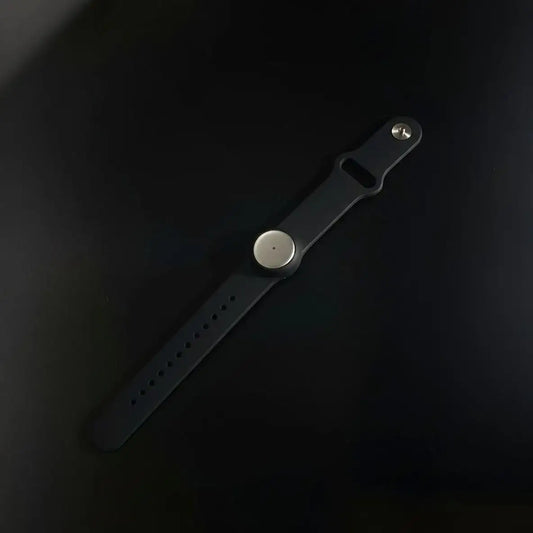
Omi is a wearable pendant paired with a companion app that records conversations as they happen and transcribes them into notes. It auto-generates tasks and memories from what it hears, so a client call or a technician's verbal handoff becomes a searchable record without anyone touching a phone.
Omi pros:
- Captures conversations across the whole day, not just scheduled calls
- Turns spoken conversations directly into tasks and reminders
- Built around user ownership of the data it captures
- Works for professionals, sales reps, healthcare workers, and technicians who talk more than they type
Omi cons:
- Needs charging like any wearable device
- Always-on capture means you have to actively mute or remove it in confidential conversations
- As a newer device category, colleagues may ask what it is before they get used to it
Best for: anyone whose job happens in conversation, not at a keyboard. Verdict: Buy.
2. Otter.ai: best AI note taker for real-time meeting transcription
Otter.ai joins video calls and produces live captions and a searchable transcript with speaker labels as the meeting runs.
Otter.ai pros: live captioning, speaker identification, searchable transcript archive, calendar integration. Otter.ai cons: only captures conversations inside a joined call; someone has to remember to add it to each meeting.
Best for: teams whose work happens mostly in scheduled video calls. Verdict: Buy for meeting-heavy teams.
3. Fireflies.ai: best AI note taker for sales call summaries
Fireflies.ai records sales calls and pushes summaries and highlights straight into CRM tools, building a searchable call library over time.
Fireflies.ai pros: CRM sync, searchable call archive, coaching-ready soundbites. Fireflies.ai cons: tied to scheduled calls like Otter.ai; summary quality depends on audio clarity.
Best for: sales teams that need call notes inside the CRM they already run pipeline through. Verdict: Buy for sales teams.
4. Plaud Note: best AI note taker for pocket-sized voice memos
Plaud Note is a small handheld recorder you carry and tap to start recording, then transcribe later inside its companion app.
Plaud Note pros: pocket-sized, no wearable commitment, good for scheduled interviews. Plaud Note cons: manual start means it's easy to forget mid-conversation; not built for passive, all-day capture.
Best for: journalists and researchers running scheduled, one-off interviews. Verdict: Hold if you need hands-free capture; buy if you prefer manual control.
5. Limitless pendant: best AI note taker for wearable plus desktop capture
The Limitless pendant pairs wearable conversation capture with a desktop app that also logs screen activity, aiming to unify both into one history.
Limitless pros: combines spoken conversations with desktop activity in one system. Limitless cons: managing two capture surfaces adds setup work; screen capture raises its own workplace privacy questions.
Best for: solo professionals who want conversation and screen history under one roof. Verdict: Hold — compare against a single-purpose tool first.
6. Fathom: best AI note taker for automatic call recaps
Fathom sits inside your existing video call app and generates a recap with action items as soon as the call ends.
Fathom pros: no separate app to open, fast recap, works inside a platform teams already use. Fathom cons: no coverage for in-person conversations; limited value if you're rarely on video calls.
Best for: remote-first teams running most of their work through video. Verdict: Buy for remote-first teams.
7. Notion AI: best AI note taker for teams already writing in Notion
Notion AI adds summarization and drafting features inside the docs and databases a team already keeps in Notion.
Notion AI pros: keeps notes inside an existing workspace; no new app to adopt; strong at turning rough notes into structured docs. Notion AI cons: doesn't record or transcribe conversations on its own — you still need a separate capture step first.
Best for: teams whose documentation already lives in Notion. Verdict: Buy only as a complement to a capture tool.
8. Microsoft Copilot in Teams: best AI note taker for Microsoft 365 organizations
Copilot generates meeting recaps and action items directly inside Microsoft Teams calls for organizations running Microsoft 365.
Copilot pros: no extra app for Teams-based organizations; ties into existing Microsoft 365 admin controls. Copilot cons: limited value outside the Microsoft ecosystem; setup usually sits with IT, not the individual user.
Best for: large organizations standardized on Microsoft 365. Verdict: Buy if you're already on Microsoft 365; skip otherwise.
“If a note taker can't turn a conversation into a task, it's just a transcript.”
How we ranked
Every tool on this list gets measured against the same six criteria from the section above: capture method, transcription accuracy, action-item generation, integrations, data ownership, and fit with the actual workday. Wearables and apps aren't interchangeable, so the ranking treats "best for" as a use case, not a leaderboard position — the goal is a decision tree, not a single winner for every reader.
Which AI note taker should you choose?
If your job happens in conversation — client meetings, patient visits, on-site handoffs — the Omi pendant is the default pick for 2026 because it captures what's said, not just what's scheduled. If your work is mostly video calls, Otter.ai or Fathom cover that lane well, and Fireflies.ai is the stronger choice specifically when the output needs to land in a CRM. Notion AI and Microsoft Copilot are worth adding on top of a capture tool, not instead of one.
See the Omi pendant in detail
Check specs, setup, and what it captures on the product page.
FAQ
What's the best AI note taker in 2026?
The Omi pendant is the best overall AI note taker in 2026 for anyone who needs hands-free, always-on conversation capture. For teams whose work is mostly scheduled video calls, Otter.ai and Fathom are stronger fits.
Is Omi better than Otter.ai?
They solve different problems. Omi is a wearable that captures conversations wherever they happen; Otter.ai only transcribes calls you join inside a video app.
Can AI note takers create tasks automatically, not just transcripts?
Yes — Omi generates tasks and reminders directly from spoken conversations, which is different from tools that only hand you a raw transcript to read through.
Do AI note takers work for in-person conversations, not just video calls?
Apps like Otter.ai, Fireflies.ai, Fathom, and Microsoft Copilot are built around video calls and don't capture in-person conversations. A wearable like the Omi pendant is built specifically for that gap.
What's the difference between a wearable AI note taker and a recording app?
A wearable like the Omi pendant captures conversations passively throughout the day, while a recording app like Plaud Note requires you to manually start each session.
Which AI note taker is best for sales teams?
Fireflies.ai is the strongest pick for sales teams because it pushes call summaries and highlights directly into CRM tools most sales teams already use.
Which AI note taker works inside Microsoft Teams?
Microsoft Copilot is built directly into Teams calls and is the natural choice for organizations already standardized on Microsoft 365.
One last thing
The detail most buyers skip when they move to a wearable AI note taker: tell people you're wearing one before the conversation starts. It costs one sentence and it's the fastest way to avoid an awkward moment in week one — every tool on this list, wearable or app, works better when the people around you know it's running.