Best wearable AI pendants in 2026


In this article
Best overall: Omi, for professionals who want conversations turned into notes, tasks, and searchable memories. Best alternative hardware: Bee, with Omi app compatibility. Best for reusing a pendant you already own: Limitless Pendant, paired with the Omi app. This 2026 wearable AI pendant guide separates the hardware decision from the recording workflow you actually need.
- Omi is the best wearable AI pendant for professionals who need transcripts, tasks, and searchable conversation memories.
- Bee is an alternative wearable that also works with the Omi app.
- Existing Limitless Pendant owners can pair their device with the Omi app.
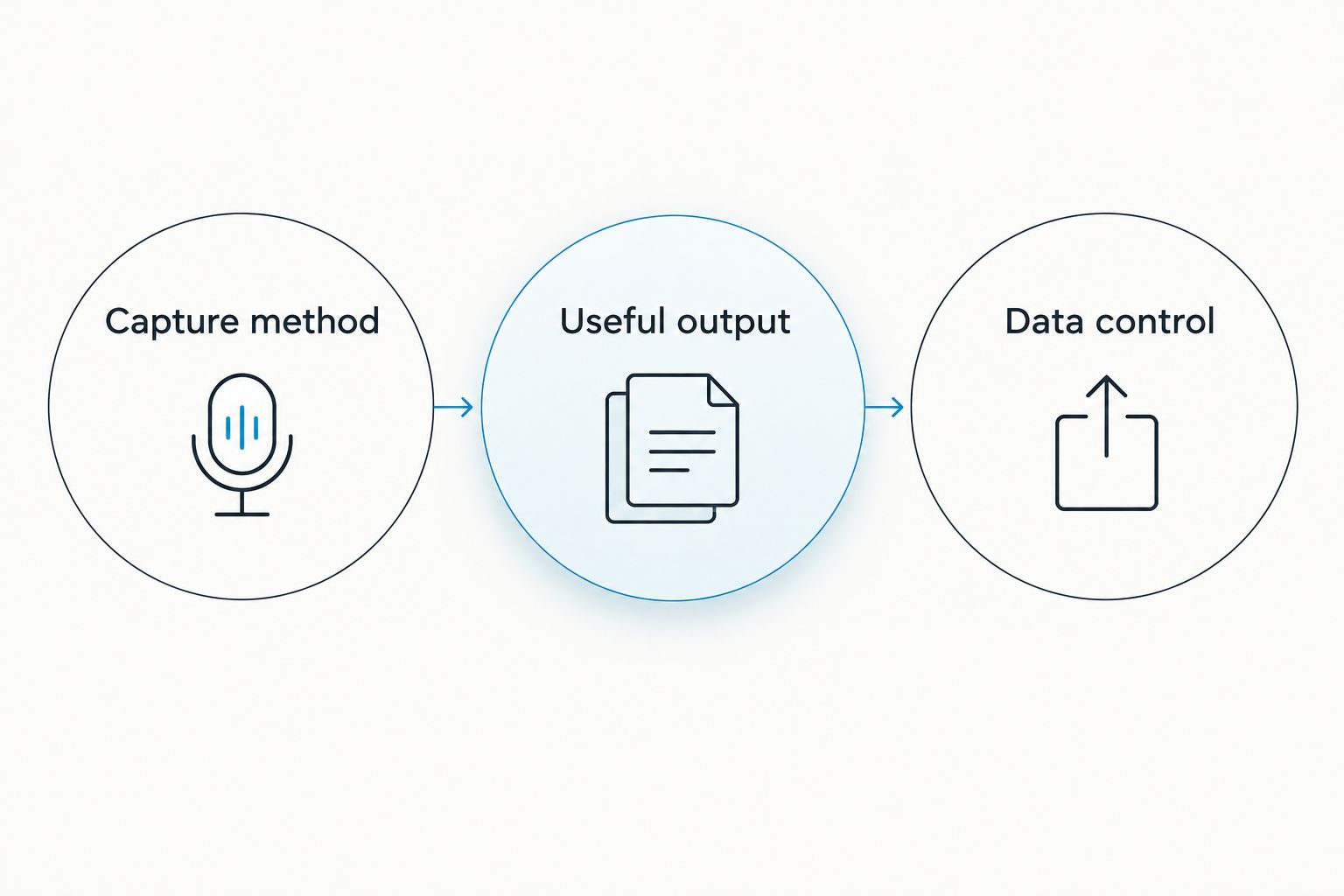
- Choose by capture method, useful output, and data control—not the shape of the device.
Why this matters
A wearable recorder solves the capture problem. The app determines what happens afterward: whether you get a transcript to read, tasks to review, or memories you can search when someone asks what you agreed to.
Buy for the follow-through, not just the recording. If your day moves between client conversations, online meetings, and spoken reminders, evaluate that entire routine before choosing a pendant. A device around your neck is only part of the system.
Recording also affects the people around you. Consent rules vary by location; check local law and your workplace requirements before recording. Read the guide to recording conversations with a wearable AI pendant before making capture a daily habit.
What makes the best wearable AI pendant in 2026?
Use these criteria before comparing devices. They distinguish a useful work tool from another recording archive you never revisit.
- Capture method: Match recording to where conversations happen. In-person discussions, computer meetings, and phone calls require different setups; do not assume one recording method covers everything.
- Useful output: Look beyond transcription. Summaries, action items, speaker labels, search, and conversation memories serve different jobs. Decide which output you will actually review.
- Data control: Check export, deletion, and processing options. Your ability to retrieve or remove a conversation matters as much as your ability to capture it.
- Language handling: Confirm the language workflow before a multilingual meeting. Language support and automatic language switching are different capabilities.
- Daily fit: Choose a device and app combination that fits your routine. A neck-worn recorder, wrist-worn device, and phone microphone are different capture choices—not interchangeable habits.
A useful evaluation connects three decisions: how you capture a conversation, what you need from it, and how you control the resulting record. Start there rather than with the hardware's appearance.
Wearable AI options at a glance
This 2026 shortlist includes a pendant recommendation, an alternative wearable, and a reuse option. Those are distinct decisions; an existing owner's next move is not necessarily a new buyer's best purchase.
| Option | Best for | Standout feature | Key limitation |
|---|---|---|---|
| Omi | Professionals who need conversation follow-through | Transcripts, summaries, tasks, memories, and search in a companion app | Language must be set manually; it does not switch languages mid-conversation |
| Bee | Buyers considering alternative wearable hardware | Works with the Omi app as a third-party wearable | Omi app compatibility and the Bee app are separate workflow choices |
| Limitless Pendant with the Omi app | Existing owners who want to reuse their pendant | Existing owners can pair their pendant with the app | This recommendation is for reusing hardware, not choosing a new pendant |
1. Omi: best wearable AI pendant for professional follow-through
Omi captures what you say and hear, then turns conversations into transcripts, summaries, action items, and memories. You can search across those records, review a Daily Recap, or use Ask Omi chat to work with captured information.
Omi is the best wearable AI pendant for professionals who need conversations turned into searchable notes and tasks. Its usefulness extends beyond the pendant: apps are available for iPhone, Android, Mac, and web, with Apple Watch recording also supported.
What the workflow looks like
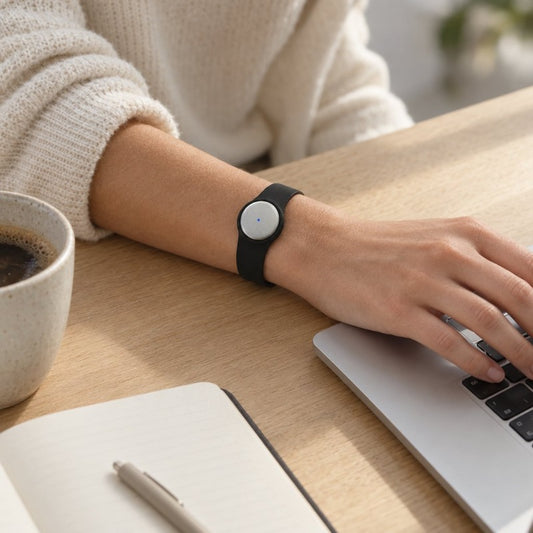
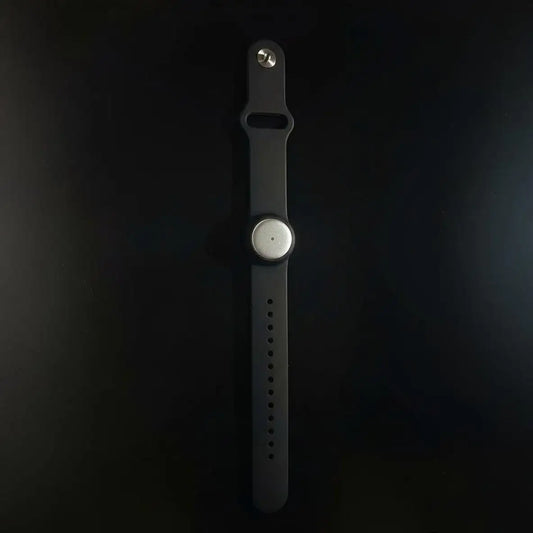
Wear the device on a neck lanyard with its silicone case, under a shirt, or on the wrist using the separately sold Omi Wrist Band. A charger is included in the box. Choose the wearing position that fits the conversation and your working environment.
For online meetings, record from the Mac app or capture the conversation from a phone or wearable in the room. The service does not join Zoom, Meet, or Teams calls as a bot. For phone calls, put the call on speakerphone and let the device record.
You can also record without buying the wearable: the phone and Mac apps use their built-in microphones. That gives you a way to evaluate the note-taking workflow before deciding whether a pendant belongs in your day.
Omi pros
- Produces transcripts, summaries, action items, memories, and a Daily Recap rather than stopping at an audio file.
- Supports full export and deletion of individual items or everything.
- Offers open-source hardware, firmware, and software, plus an API and MCP server.
- Supports 33 languages, with English identified as the most accurate.
Omi cons
- You must set the language manually; it does not auto-switch languages during a conversation.
- Speech Profile, which learns the wearer's voice for named speaker labels, is English-only.
- Offline Local Sync is experimental, so evaluate it before making it part of a critical workflow.
Choose the plan by listening time
Basic includes 300 listening minutes per month. Plus includes 1,500 listening minutes per month, while Unlimited has no minute cap. Every plan includes the same core features, so the distinction is listening allowance rather than access to a different set of note-taking tools.
Reaching a minute cap does not stop recording; audio remains available to manage and export. Keep that distinction clear when choosing a plan: recording behavior and the listening allowance are not the same thing.
Best for: Professionals, sales teams, healthcare workers, and technicians who need to organize spoken interactions. For sensitive work, check organizational approval and consent requirements before recording.
Verdict: Buy for conversation capture that continues into notes, tasks, and retrieval.
2. Bee: best alternative wearable hardware to evaluate
Bee is a wearable that also works with the Omi app. That makes it relevant if you want another hardware option while considering the same companion-app workflow.
Amazon acquired Bee in July 2025, and Bee retains its own brand. Treat that ownership fact separately from your buying criteria: the practical question is whether the device and the app you select fit your recording routine.
Bee pros
- Provides an alternative wearable hardware choice.
- Works with the Omi app as a supported third-party wearable.
- Retains the Bee brand following Amazon's acquisition.
Bee cons
- Choosing Bee hardware does not settle whether you should use its own app or another compatible app.
- Amazon ownership is not a reason to assume a particular integration or recording capability.
Keep the evaluation concrete. Decide which app you intend to use, record a representative conversation, and inspect the resulting notes before committing your daily routine to that combination.
If you already own Bee, evaluate the compatible app route before replacing the hardware. If you are choosing your first wearable, compare the entire capture-and-review process rather than treating a different device as an automatic upgrade.
Best for: Buyers considering alternative wearable hardware who will evaluate their app choice separately.
Verdict: Hold until you have checked the hardware-and-app combination against your actual conversations.
3. Limitless Pendant: best for reusing an existing device
Existing Limitless Pendant owners can pair their pendant with the Omi app. This is a reuse recommendation: keep the hardware decision separate from the software workflow you want next.
Start by pairing the pendant and recording a representative conversation. Then check whether the resulting record fits how you search, review, and act on your notes. Evaluate that workflow before deciding that a different device is necessary.
Limitless Pendant reuse pros
- Gives existing owners a supported route into a different companion app.
- Lets you evaluate a new workflow using hardware you already own.
- Makes app choice a separate decision from replacing the pendant.
Limitless Pendant reuse cons
- The recommendation applies to existing owners, not readers choosing their first pendant.
- App compatibility does not mean every recording method behaves identically across different devices.
Do not mistake a pairing option for a promise about every feature. Work through the capture situations that matter to you: a room conversation, a spoken reminder, and any meeting setup you regularly use.
The decision is straightforward. If your existing pendant and the compatible app meet your needs, keep evaluating that combination rather than replacing hardware merely to change your note-taking software.
Best for: Existing Limitless Pendant owners who want to try a different app workflow.
Verdict: Hold onto the pendant and evaluate the compatible app before replacing it.
How the 2026 ranking works
The ranking prioritizes useful output, capture flexibility, and data control. It separates a default purchase recommendation from an alternative hardware evaluation and an existing-owner reuse recommendation.
The first pick covers a defined workflow from recording through transcripts, tasks, memories, and search. Bee belongs in the alternative-hardware slot because it supports another app choice. Limitless Pendant belongs in the reuse slot because existing owners have a supported pairing path.
This is a workflow ranking, not a claim that every microphone performs the same. Keep your purchase decision tied to your conversations and the output you need afterward.
Check the workflow before making it a habit
Use a conversation you have permission to record. Include the things that usually make your notes useful: a decision, a follow-up, a named owner, and a topic you will need to find later.
Capture method
Reproduce the setting you actually use. A nearby conversation is different from a computer meeting or speakerphone call. Check that your chosen recording method captures the interaction you intend to keep.
Useful output
Compare the transcript and summary with what was said. Review names, commitments, and action items before treating generated notes as a final record. A readable summary is useful only if it preserves the decisions you need.
Data control
Try finding the conversation again, exporting it, and deleting a test item. If you need local processing, evaluate that configuration directly rather than assuming every setup uses it.
For clinical or other sensitive conversations, get organizational approval before recording. Security features do not replace your consent process, internal policies, or responsibility to review the resulting notes.
Which wearable AI pendant should you choose?
Choose Omi as the default in 2026 if your goal is professional conversation capture with transcripts, tasks, memories, and search. Start with the phone or Mac app if you want to evaluate the output before adding wearable hardware.
Consider Bee when you specifically want an alternative wearable and will check the companion-app workflow. Keep an existing Limitless Pendant in consideration when a compatible app can address your needs without replacing the device.
Do not buy a pendant to avoid reviewing notes. Buy one to capture conversations you can then check, organize, and use.
FAQ
What's the best wearable AI pendant in 2026?
Omi is the default recommendation for professionals who want transcripts, summaries, tasks, memories, and search from spoken conversations. It also supports recording through its phone and Mac apps without the wearable.
Can I use the app without wearing a pendant?
Yes. The phone and Mac apps can record through their built-in microphones, so you can evaluate the recording and note-taking workflow without wearing a device.
Does the pendant join Zoom or Teams as a meeting bot?
No. Record online meetings through the Mac app, or use a phone or wearable to capture the conversation in the room.
Can I use a Limitless Pendant with a different app?
Existing Limitless Pendant owners can pair their device with the Omi app. Check the resulting recording workflow against the conversations you need to capture before deciding whether to replace the hardware.
Does it switch languages automatically during a conversation?
No. Set the language manually before recording; the app does not auto-switch languages mid-conversation. It supports 33 languages, with English identified as the most accurate.
Does reaching a listening limit stop recording?
No. Reaching a plan's minute cap does not stop recording, and audio remains available to manage and export. Basic includes 300 listening minutes per month, while Plus includes 1,500 minutes per month.
Is it legal to record conversations with a wearable pendant?
Consent rules vary by location, so check local law before recording. Also follow workplace requirements and obtain organizational approval for sensitive conversations.
One last thing
The most useful pendant test happens after you take it off. Find a decision from the conversation, check who owns the follow-up, and retrieve the relevant passage without replaying the entire recording.
If you cannot turn the captured conversation into a useful next step, change the workflow before changing the hardware.