Omi vs HiDock: which is better in 2026


In this article
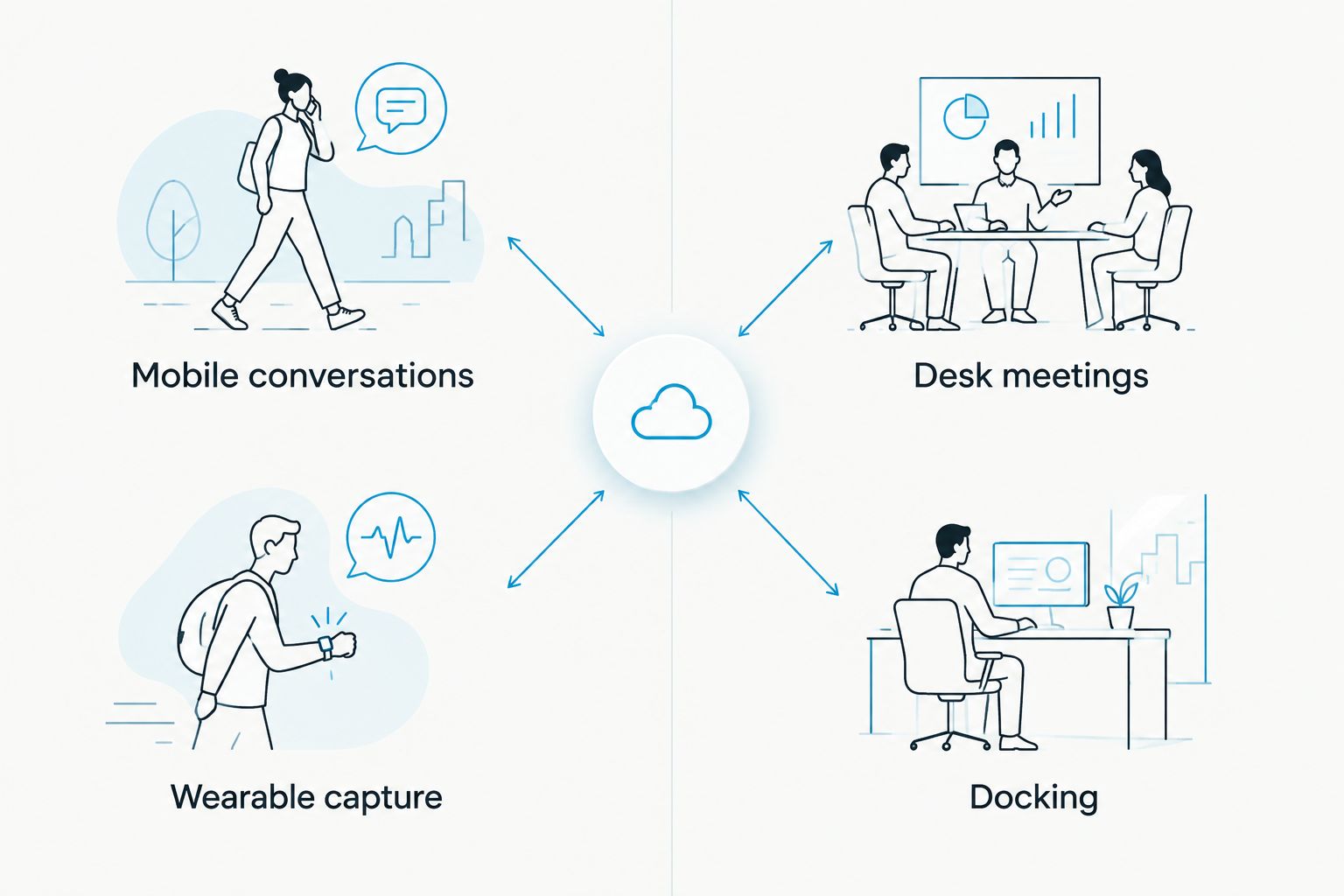
Choose Omi if your notes need to follow you from desk meetings to spoken conversations elsewhere; choose HiDock if you want a desktop docking station and speakerphone built around your meeting setup. The omi vs hidock decision in 2026 starts with where you work, not which device promises the smartest summary.
- Omi vs HiDock: choose wearable capture for mobile conversations, or a docking speakerphone for desk meetings.
- Omi is best for professionals who need conversation notes away from their desks.
- HiDock is best for desk-based users who want docking and speakerphone functions together.
- Compare recording routes, transcription terms, and data controls before choosing an AI note taker.
Why this matters
A meeting recorder solves little if it misses the conversations you need to remember. Start by separating scheduled computer meetings from discussions that happen while you move through your day.
A wearable AI note taker and a desktop meeting device solve different capture problems. In 2026, your first buying question should be simple: Does the conversation happen at your workstation, or does it happen wherever you are?
At a glance
| Dimension | Omi | HiDock |
|---|---|---|
| Best for | Professionals capturing conversations across locations | Desk-based professionals organizing a meeting workstation |
| Standout feature | Wearable capture connected to transcripts, tasks, and memories | Desktop docking and speakerphone functions |
| Away-from-desk capture | Neck or wrist wear; phone recording also works | A desktop dock is not a wearable replacement |
| Desk setup | Mac app records meetings without a meeting bot | Docking and speakerphone functions belong in the desk setup |
| Notes workflow | Transcripts, summaries, tasks, search, and Ask Omi | Evaluate the associated HiNotes workflow against your meeting needs |
| Accuracy standard | Review names, commitments, and important details | Review names, commitments, and important details |
| Data control | Full export, deletion, open source, and a local-running option | Check the selected device and service's processing and retention terms |
| Pricing model | Separate hardware purchase and listening plans | Hardware purchase; assess associated transcription terms |
Wearable capture wins when conversations leave your desk
A wearable is the better fit when you cannot predict where useful conversations will happen. A salesperson walking with a customer and a technician discussing a repair do not work exclusively in front of a computer.
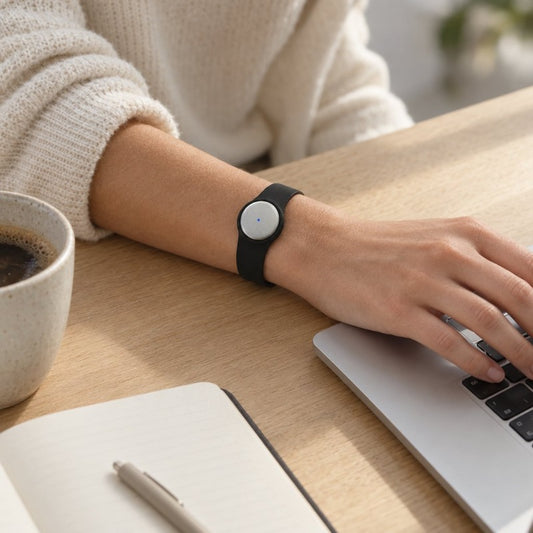
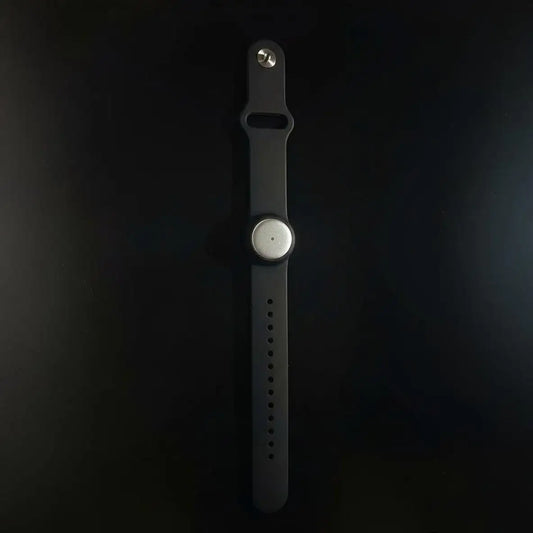
The pendant captures what you say and hear. You can wear it around your neck, on your wrist with the separately sold wrist band, or under a shirt. The companion app turns captured conversations into notes and tasks.
You also do not need the wearable to start recording. The phone and Mac apps can use their built-in microphones, so the capture workflow is not tied to a single piece of hardware.
The tradeoff is responsibility. Wearing a recorder does not establish consent, and carrying it does not guarantee useful audio. Decide when recording is appropriate, tell the people involved, and review the result before relying on it.
A HiDock desktop setup makes more sense when your important conversations already happen at your workstation. It is not the same answer to a hallway discussion or an on-site customer visit.
HiDock wins when docking is part of the job
HiDock is the better fit when you want meeting audio and docking functions in your desktop setup. That is a genuine hardware distinction, not a contest over summary wording.
If your buying brief includes connecting a computer and using a desk speakerphone, evaluate the dock as a workstation device first. Check the selected model's connections against your actual computer, display, and peripherals. A transcription feature cannot fix an unsuitable desk connection.
The wearable alternative does not replace a docking station. Its Mac app gives you a recording route, but recording software and desktop connectivity are different jobs.
This distinction matters in a 2026 purchase because it prevents an unnecessary comparison. A person buying desk infrastructure should not judge every device as though portability were the only useful feature.
The downside is location. A workstation-centered choice gives you less reason to carry it into conversations elsewhere. Choose that constraint deliberately rather than discovering it after your first off-site meeting.
HiDock wins if your goal is a fixed meeting station
A desk-based speakerphone setup has a clear role: it stays where you take your computer meetings. HiDock is the stronger match for someone deliberately building that kind of station.
Keep that recommendation narrow. It does not establish better transcription, better microphones, or better privacy. Those require evidence about the specific hardware and software you are comparing.
The competing wearable workflow uses the Mac app for online meetings, or the phone or wearable to record sound in the room. It does not join Zoom, Google Meet, or Microsoft Teams calls as a bot.
That gives you several capture routes, but each needs the right setup. For phone calls, the supported approach is speakerphone recording. Do not confuse that with direct access to a phone's internal call audio.
Before choosing either route, rehearse the meeting you actually run. Use your usual computer and audio setup, then check whether both sides of the conversation appear in the transcript. Test the workflow, not an idealized demo.
Omi wins when notes need to become searchable memory
Omi is best for professionals who need searchable conversation notes beyond scheduled desk meetings. Its outputs include transcripts, summaries, action items, memories, Daily Recap, search, and Ask Omi chat.
That makes the practical question bigger than whether a transcript exists. Can you find the customer's concern later? Can you retrieve the commitment without replaying the entire discussion? Can you separate what someone said from what you need to do next?
For a useful evaluation, look for these outputs:
- Context: The discussion explains why a decision happened.
- Commitments: The notes preserve who agreed to do what.
- Retrieval: You can find the conversation when you need it again.
HiDock buyers should assess the associated HiNotes workflow against the same questions. A desktop hardware preference is a valid reason to choose HiDock, but it is not evidence that its notes fit your follow-up process better.
The wearable workflow also has limits. It supports 33 languages, with English the most accurate. You must set the language manually; it does not automatically switch languages mid-conversation. Multilingual conversations deserve a deliberate check rather than an assumption.
Neither earns an accuracy win without your recordings
There is no defensible transcription winner here without a matched comparison. Use the same conversation, speakers, room, and review standard before making an accuracy claim.
Check the details that change what you do next: names, product references, dates, objections, and commitments. A summary that sounds fluent is not proof that those details survived correctly.
Speaker labels help organize a transcript, but labels also need review. The wearable app's Speech Profile learns the wearer's voice in English so that the wearer's lines receive their name. That is a specific capability, not a guarantee that every speaker is identified correctly.
For your 2026 evaluation, write a short reference note immediately after a permitted recording. Compare each output against that reference and the audio. Judge the result by the corrections you need before sharing or acting on it.
This is an honest tie in the buying decision: both workflows need an accuracy check; neither should win on an unsupported percentage.
Omi offers explicit routes for data ownership and local use
The wearable system supports full export and deletion of individual items or everything. Its hardware, firmware, and software are open source, and it can run locally without cloud processing.
Choose that approach when export, inspectability, and a local-running option are requirements. Those are concrete controls to evaluate, not a claim that every deployment is automatically private.
Local Sync is experimental. It stores conversations on the phone without internet and syncs them later, so treat it as a feature to test before making offline capture central to your work.
For HiDock, review the selected device and associated service's terms for audio processing, retention, export, and deletion. Do not substitute a general impression about desktop hardware for an answer about where recordings go.
For either system, distinguish three decisions:
- What audio you are permitted to capture.
- Where recordings and derived notes are processed.
- Who can access, export, or delete the results.
Open source and local operation give you choices. You still need to configure and use those choices appropriately.
Both require a consent-first recording workflow
Neither device removes your responsibility to check recording rules. Consent requirements vary by location; check local law before recording a conversation.
A visible desk speakerphone and a wearable under a shirt create different expectations for the people around you. Do not assume that someone understands recording is happening simply because equipment is present.
Explain the purpose, establish permission where required, and decide what should not be recorded. For sensitive professional discussions, follow your organization's policies as well as applicable requirements.
Use the guide to recording conversations with a wearable as a starting point for the questions to ask. It is not a substitute for local legal guidance.
Pricing: compare the model, not just the hardware
For this 2026 comparison, separate the device purchase from the ongoing listening or transcription arrangement. Otherwise, you are comparing unlike costs and ignoring usage limits.
The wearable has a separate hardware purchase and three listening plans. Basic includes 300 listening minutes per month; Plus includes 1,500 listening minutes per month; Unlimited has no minute cap. All plans share the same core features.
Reaching a listening cap does not stop recording. Audio remains available to manage and export. That distinction matters if your recording needs fluctuate.
For HiDock, evaluate the exact hardware model alongside its associated transcription terms. Check what your intended workflow includes, what requires a separate service, and what happens when you exceed any applicable allowance.
Choose predictability over a headline comparison. Estimate your normal recording use, inspect the current terms, and consider whether you actually need wearable capture or docking functions. Paying for the wrong hardware category is a bigger mistake than choosing between similar note formats.
Final verdict: choose the workflow you will actually use
Choose Omi if you are a mobile professional
Winner: wearable capture. Choose this route if you move between customer visits, in-person discussions, and computer meetings, and want transcripts, tasks, and searchable memories from those interactions.
It is also the stronger fit when full export, open-source components, and a local-running option are selection criteria. Accept the setup responsibilities: language selection, recording permission, and checking important notes.
Choose HiDock if you are building a desk-based meeting station
Winner: HiDock. Choose this route if your main need is a desktop dock and speakerphone for computer meetings, rather than a recorder you wear throughout the day.
Confirm the selected model fits your workstation and review its transcription workflow separately. Accept the location constraint instead of expecting a desktop device to cover mobile conversations.
| Dimension | Winner |
|---|---|
| Mobile conversation capture | Wearable workflow |
| Docking functions | HiDock |
| Fixed meeting station | HiDock |
| Searchable memory across capture routes | Wearable workflow |
| Transcription accuracy | No winner without matched recordings |
| Explicit export and local-running options | Omi |
| Consent responsibilities | Tie |
| Pricing model | Match the plan and hardware to your usage |
FAQ
Is Omi better than HiDock for meetings?
Omi is the better fit for conversations across locations; HiDock is the better fit for a desktop docking and speakerphone setup. For computer meetings alone, compare your recording route and the resulting notes before choosing.
Can I use the wearable app without buying the pendant?
Yes. The phone and Mac apps can record through their built-in microphones without the wearable.
Does the wearable app join Zoom or Teams as a bot?
No. Record online meetings from the Mac app, or capture sound in the room with the phone or wearable.
Which device has more accurate transcription?
There is no supported accuracy winner in this comparison. Compare both using the same permitted conversation and check names, commitments, and other important details against the audio.
How many listening minutes do the wearable plans include?
Basic includes 300 listening minutes per month, Plus includes 1,500 listening minutes per month, and Unlimited has no minute cap. All plans have the same core features, and reaching a cap does not stop recording.
Can the wearable record without internet?
Yes, offline recording is supported. Experimental Local Sync stores conversations on the phone without internet and syncs them later; test that workflow before depending on it.
Do I need permission to record conversations?
Consent rules vary by location, so check local law before recording. Neither a wearable nor a desktop recording device removes that responsibility.
One last thing
Test retrieval, not just recording. After a permitted conversation, close the transcript and try to find a specific commitment through the notes workflow. Your 2026 choice should help you recover the detail you need, not merely prove that audio was captured.