|

|  How to fix Starkey Livio connection problems?

How to fix Starkey Livio connection problems?

January 21, 2024

Solve Starkey Livio connection issues with our step-by-step guide. Improve your device's performance and enjoy uninterrupted sound effortlessly.

How to fix Starkey Livio connection problems?


Identify the Connection Issue


  • Ensure your Starkey Livio hearing aids are fully charged. Low battery can affect connectivity.
  •  

  • Make sure Bluetooth is enabled on your smartphone or device. Bluetooth settings can be found in the device's settings menu.
  •  

  • Confirm the hearing aids are turned on and are within range of the smart device (usually about 30 feet).


Re-pair Your Devices


  • Open the app you use for controlling Starkey Livio, such as the Thrive Hearing Control app.
  •  

  • In the app, navigate to the device settings where you can manage connections.
  •  

  • If the hearing aids appear in the connected devices list, remove or "forget" them.
  •  

  • Restart your smartphone or smart device to refresh its system.
  •  

  • Put the hearing aids back into pairing mode. Typically, this involves turning them off and then back on, or opening and closing the battery doors.
  •  

  • Re-initiate the pairing process through the app, following the on-screen instructions.


Confirm App and Firmware are Updated


  • Check that the Thrive Hearing Control app and your device's operating system are up-to-date. Updates often fix known bugs and improve connectivity.
  •  

  • If there's a firmware update for your Starkey Livio hearing aids, follow the app's instructions to update them.


Optimize Bluetooth Environment


  • Minimize interference by moving away from other Bluetooth devices, Wi-Fi networks, or large metal objects.
  •  

  • Try connecting in a different location to see if the issue persists, as some environments can have more interference than others.


Reset Network Settings (As a Last Resort)


  • If problems persist, consider resetting the network settings on your smartphone or smart device. This will erase all saved connections and require you to reconnect Bluetooth devices.
  •  

  • After reset, redo the pairing process as described above.


Order omi now

OMI AI PLATFORM
Remember Every Moment,
Talk to AI and Get Feedback

Omi Necklace

The #1 Open Source AI necklace: Experiment with how you capture and manage conversations.

Build and test with your own Omi Dev Kit 2.

Omi App

Fully Open-Source AI wearable app: build and use reminders, meeting summaries, task suggestions and more. All in one simple app.

Github →

Join the #1 open-source AI wearable community

Build faster and better with 3900+ community members on Omi Discord
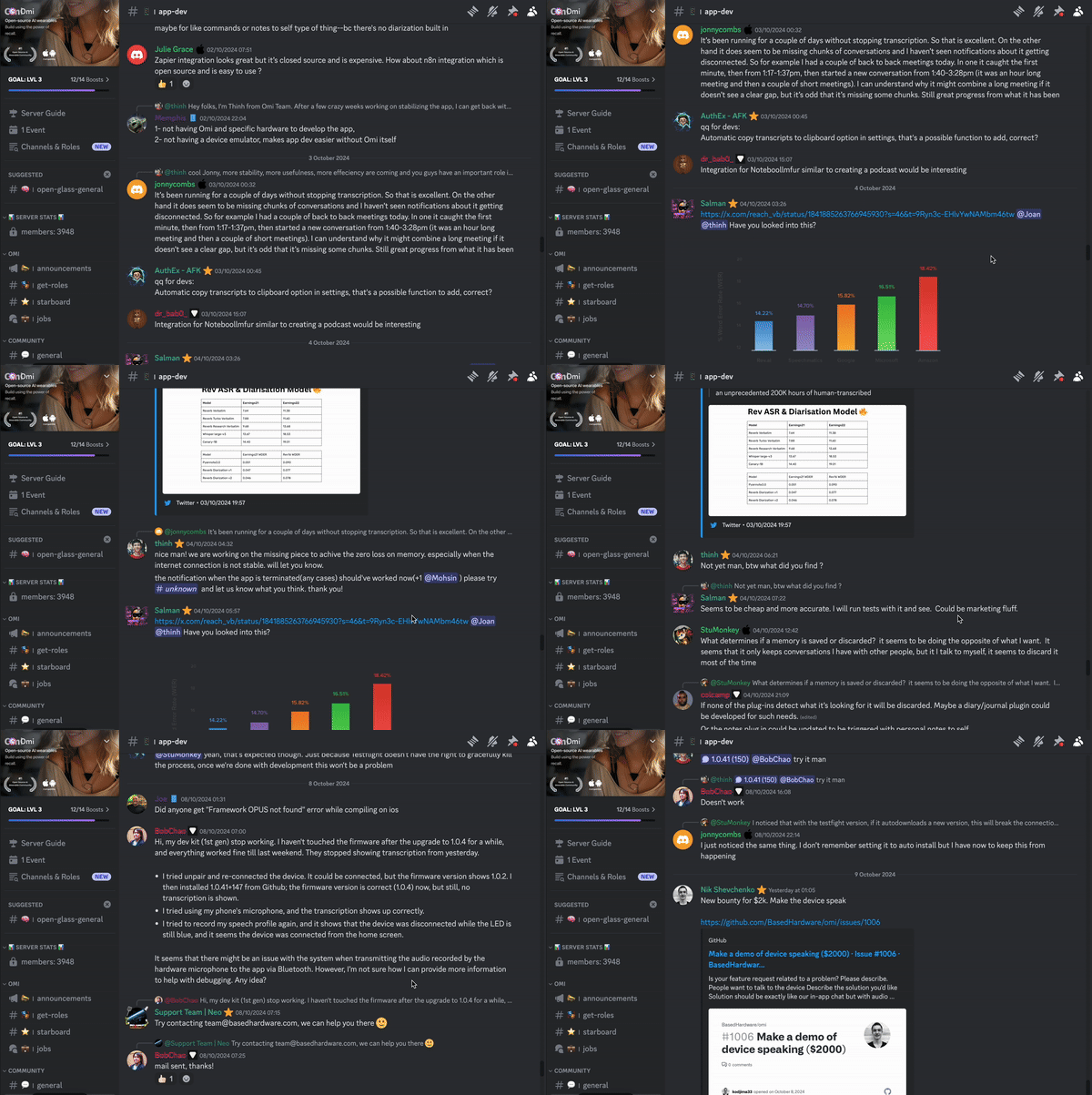
Participate in hackathons to expand the Omi platform and win prizes
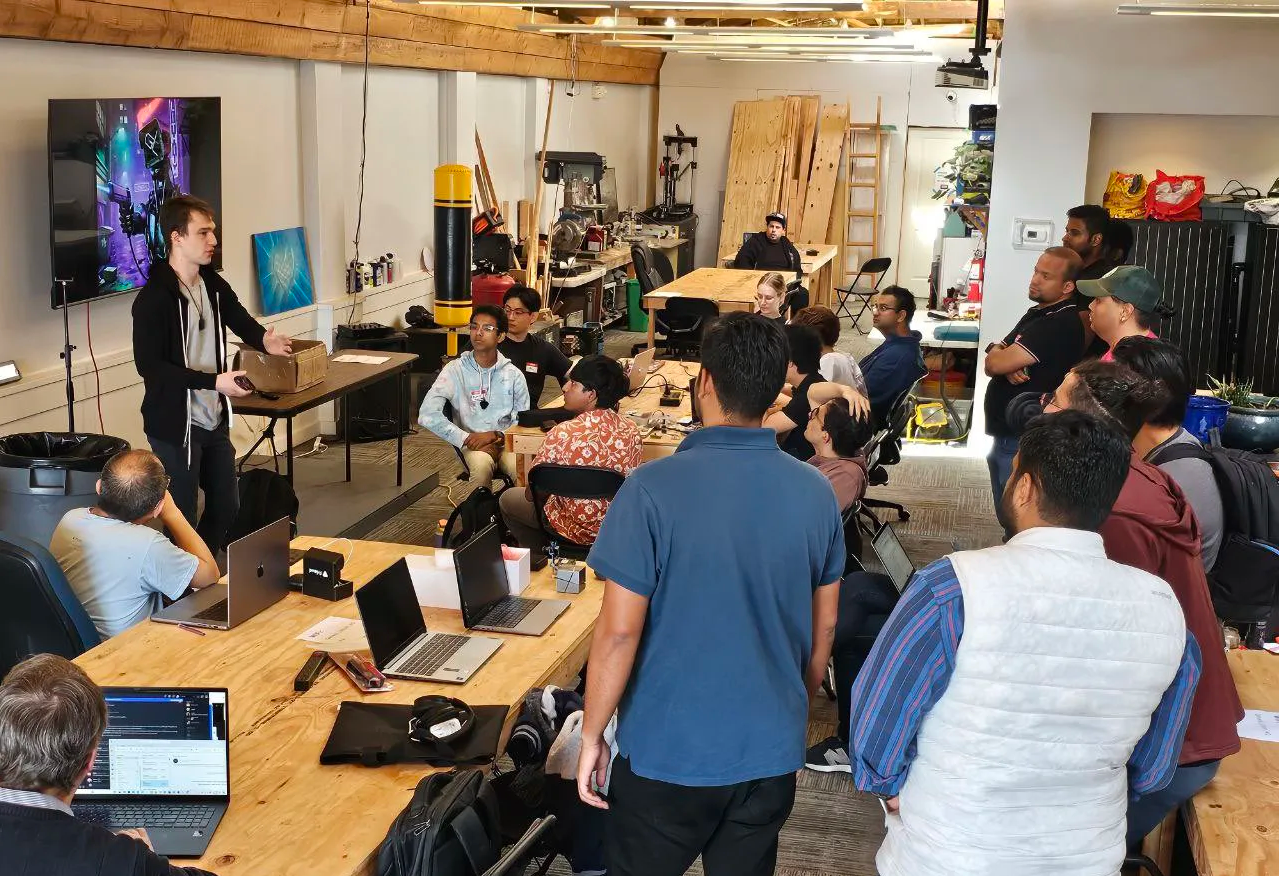
Participate in hackathons to expand the Omi platform and win prizes

Get cash bounties, free Omi devices and priority access by taking part in community activities
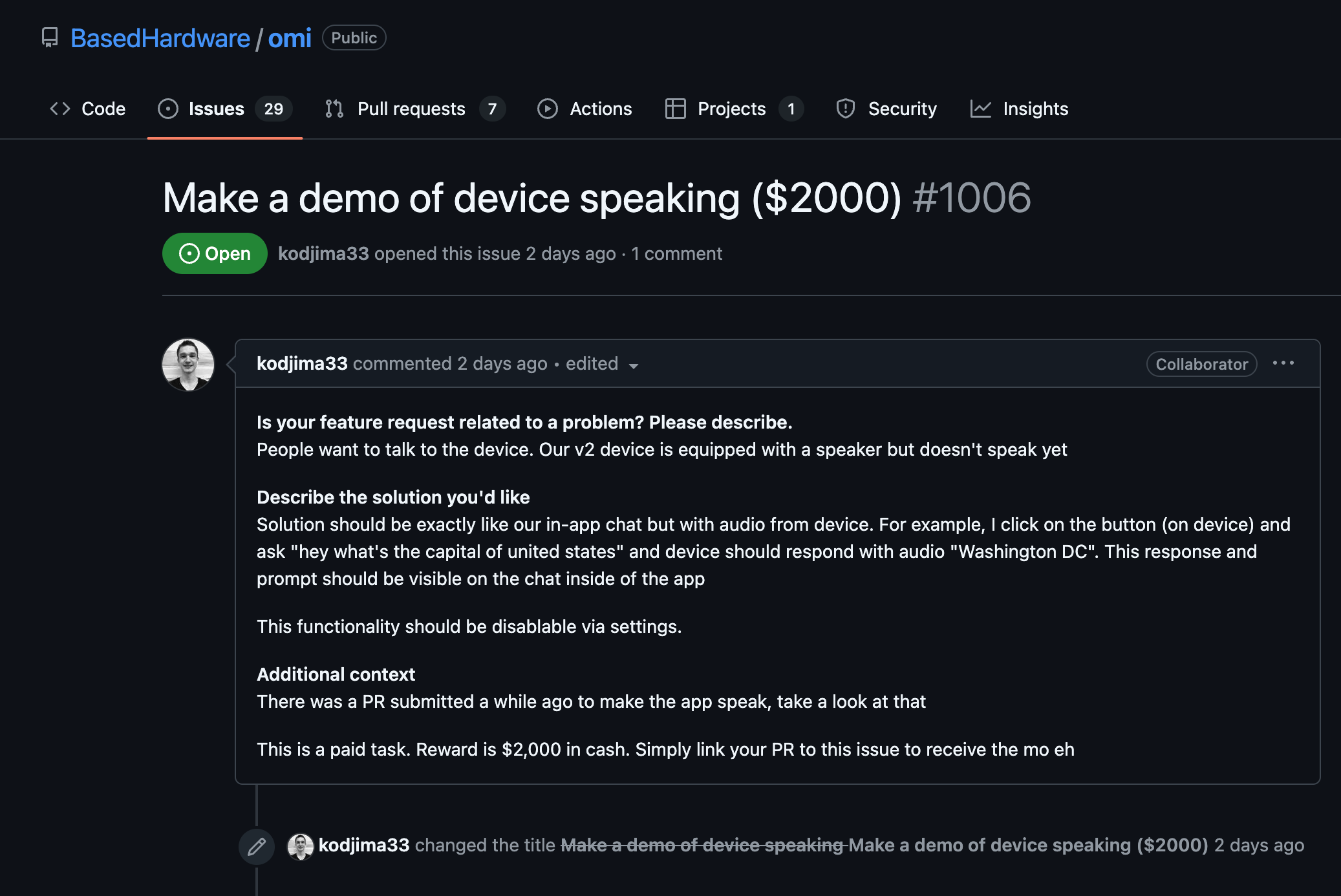
Join our Discord → 

OMI NECKLACE + OMI APP
First & only open-source AI wearable platform

a person looks into the phone with an app for AI Necklace, looking at notes Friend AI Wearable recorded a person looks into the phone with an app for AI Necklace, looking at notes Friend AI Wearable recorded
online meeting with AI Wearable, showcasing how it works and helps online meeting with AI Wearable, showcasing how it works and helps
App for Friend AI Necklace, showing notes and topics AI Necklace recorded App for Friend AI Necklace, showing notes and topics AI Necklace recorded

What people say

“Helping with MEMORY,

COMMUNICATION

with business/life partner,

capturing IDEAS, and solving for

a hearing CHALLENGE."

Nathan Sudds

“I wish I had this device

last summer

to RECORD

A CONVERSATION."

Chris Y.

“Fixed my ADHD and

helped me stay

organized."

David Nigh

OMI NECKLACE: DEV KIT
Take your brain to the next level

Product not found

LATEST NEWS
Follow and be first in the know

Latest news
FOLLOW AND BE FIRST IN THE KNOW

thought to action.

Based Hardware Inc.

San Francisco
help@omi.me

Company

Careers

Invest

Privacy

Events

Manifesto

Compliance

Products

Omi

Omi Glass

Omi Enterprise

Wrist Band

Omi Charger

Download

Resources

Help Center

Status

Docs

Ambassadors

Affiliate

Bounties

App Store

Feedback

Resellers

GitHub

Community

© 2026 Based Hardware. All rights reserved.

Omi Dev Kit 2

Endless customization

Product not found

Omi Dev Kit 2: build at a new level

Key Specs

OMI DEV KIT

OMI DEV KIT 2

Microphone

Yes

Yes

Battery

4 days (250mAH)

2 days (250mAH)

On-board memory (works without phone)

No

Yes

Speaker

No

Yes

Programmable button

No

Yes

Estimated Delivery 

-

1 week

