|

|  How to factory reset Samsung SmartThings Hub v3

How to factory reset Samsung SmartThings Hub v3

January 14, 2024

Learn how to easily factory reset your Samsung SmartThings Hub v3 with this step-by-step guide and ensure a fresh start for your smart home devices.

How to factory reset Samsung SmartThings Hub v3


Why You Might Want to Factory Reset Your Samsung SmartThings Hub v3


  • A factory reset is useful if you are experiencing persistent connectivity or performance issues that other troubleshooting steps haven't resolved.
  •  

  • Another reason to factory reset is if you're planning to sell or give away your hub and want to ensure that all your personal settings and data are removed.
  •  

  • If you've significantly changed your home network or devices and want a clean slate, a factory reset can help start fresh.


Steps to Factory Reset Samsung SmartThings Hub v3


  • First, make sure your Samsung SmartThings Hub v3 is powered on by checking that the LED indicator is lit.
  •  

  • Locate the reset button on your Hub. For the SmartThings Hub v3, the button is typically a small, recessed button found on the back.
  •  

  • Use a paperclip or a similar pointed object to gently press and hold the reset button.
  •  

  • Continue holding the button for about 30 seconds. During this time, the LED light should start blinking yellow, indicating that the reset process has started.
  •  

  • Release the reset button when the LED begins blinking green, showing that the hub is in its initial setup mode and has been successfully reset to factory settings.


What to Do After Factory Reset


  • Once the factory reset is complete, you will need to set up your SmartThings Hub v3 from scratch using the SmartThings app.
  •  

  • Open the SmartThings app on your smartphone and follow the on-screen instructions to add your hub back to your account.
  •  

  • After resetting, you'll need to reconfigure all your settings, including adding any devices you previously had connected to the hub.

 

OMI AI PLATFORM
Remember Every Moment,
Talk to AI and Get Feedback

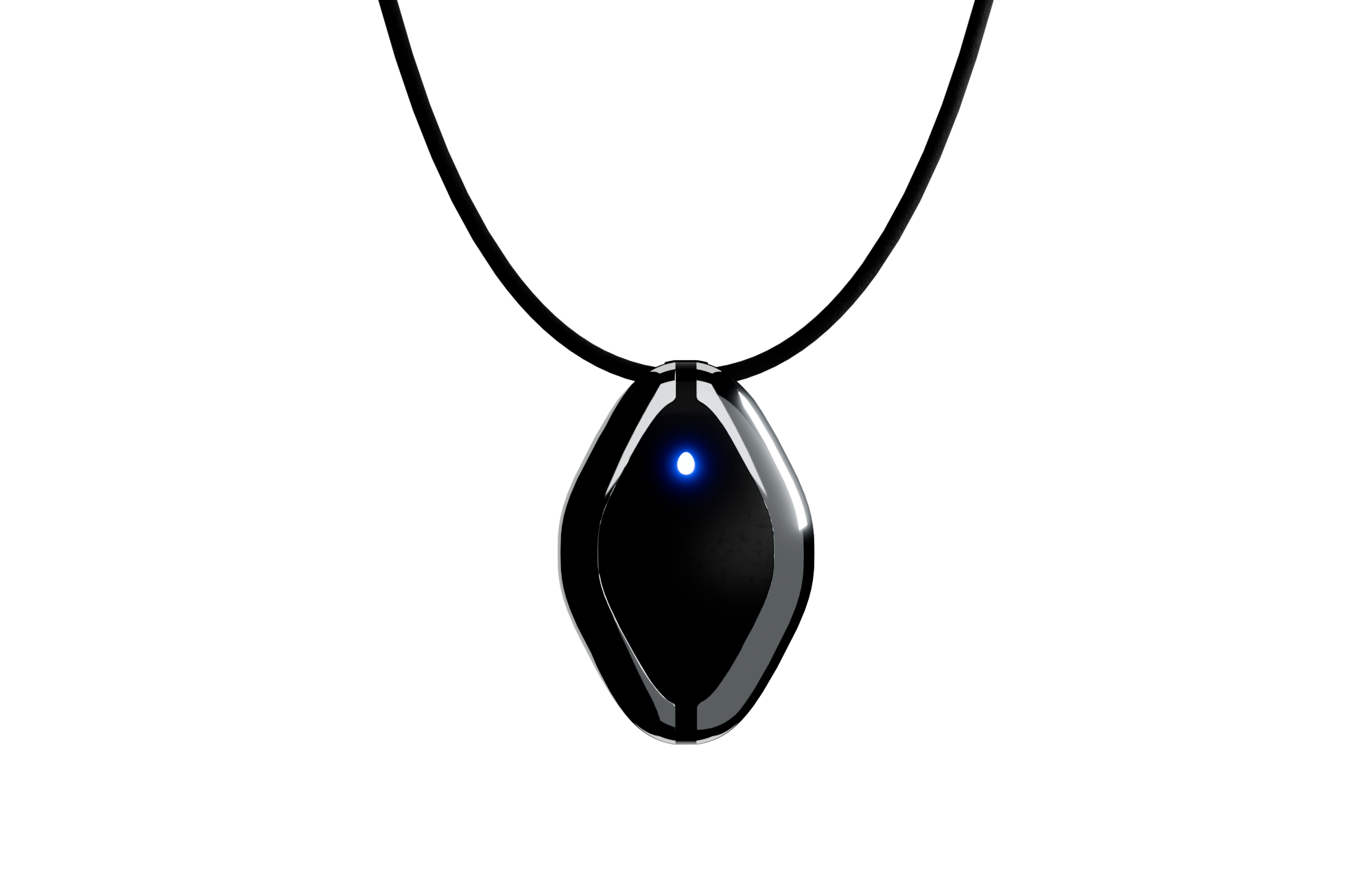
Omi Necklace

The #1 Open Source AI necklace: Experiment with how you capture and manage conversations.

Build and test with your own Omi Dev Kit 2.

Omi App

Fully Open-Source AI wearable app: build and use reminders, meeting summaries, task suggestions and more. All in one simple app.

Github →

Join the #1 open-source AI wearable community

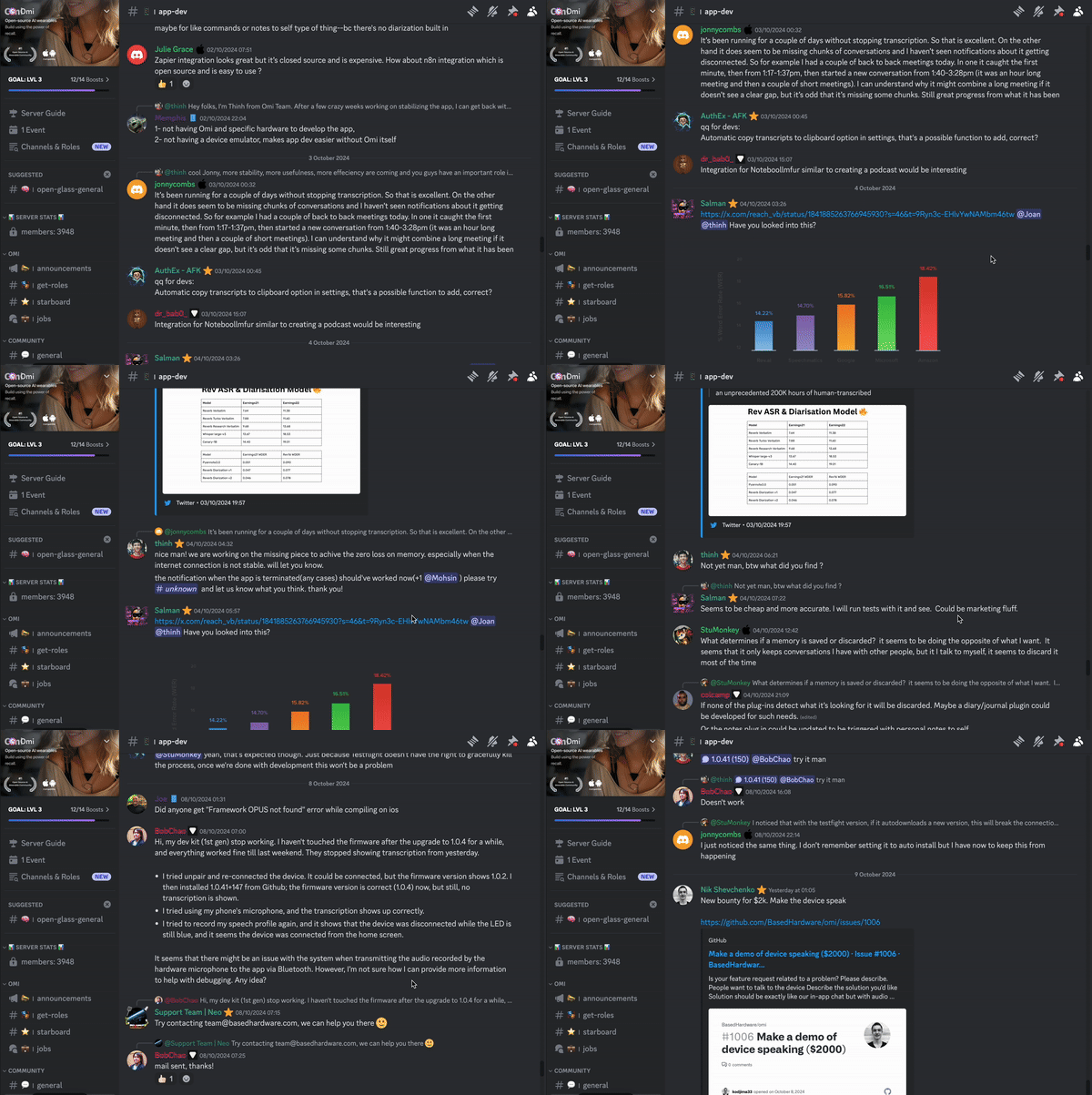
Build faster and better with 3900+ community members on Omi Discord

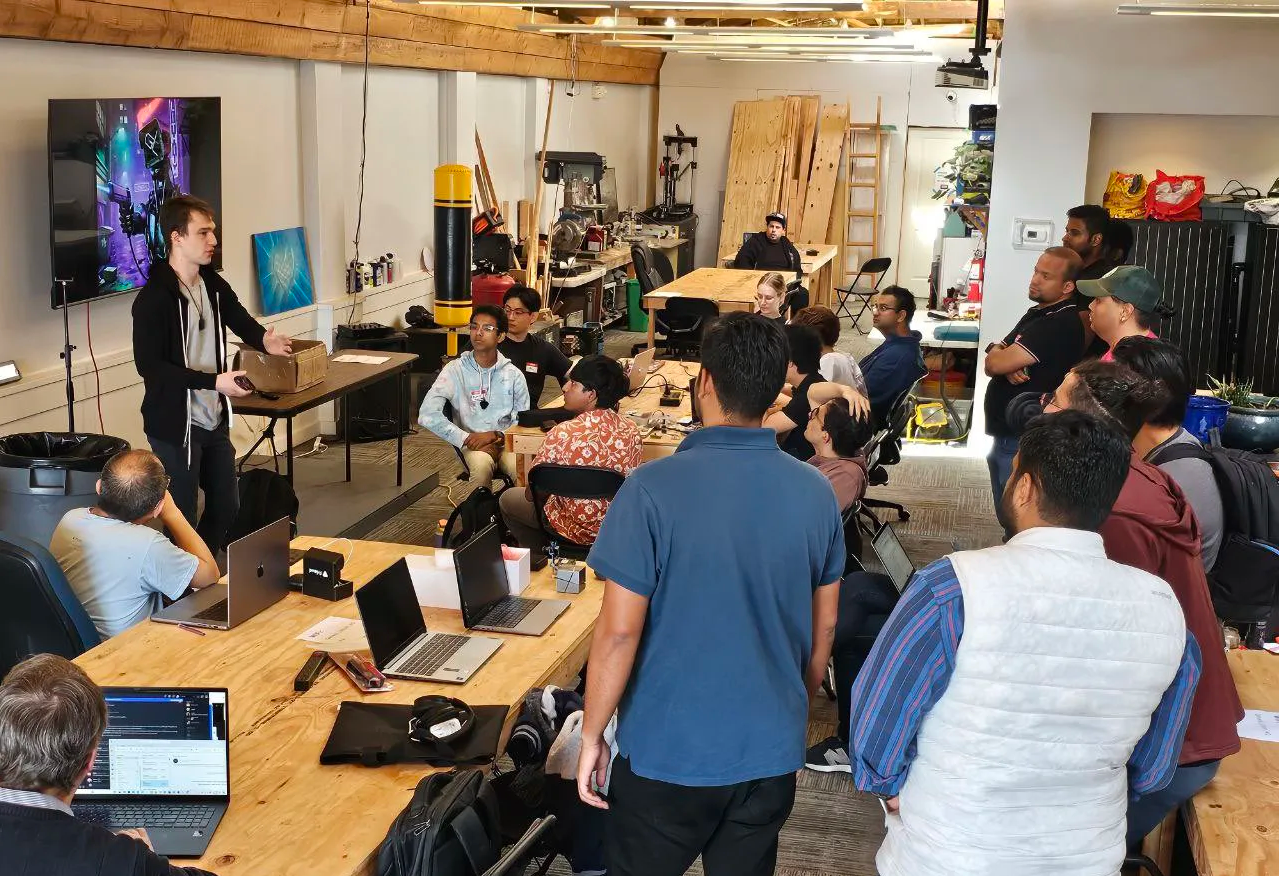
Participate in hackathons to expand the Omi platform and win prizes

Participate in hackathons to expand the Omi platform and win prizes

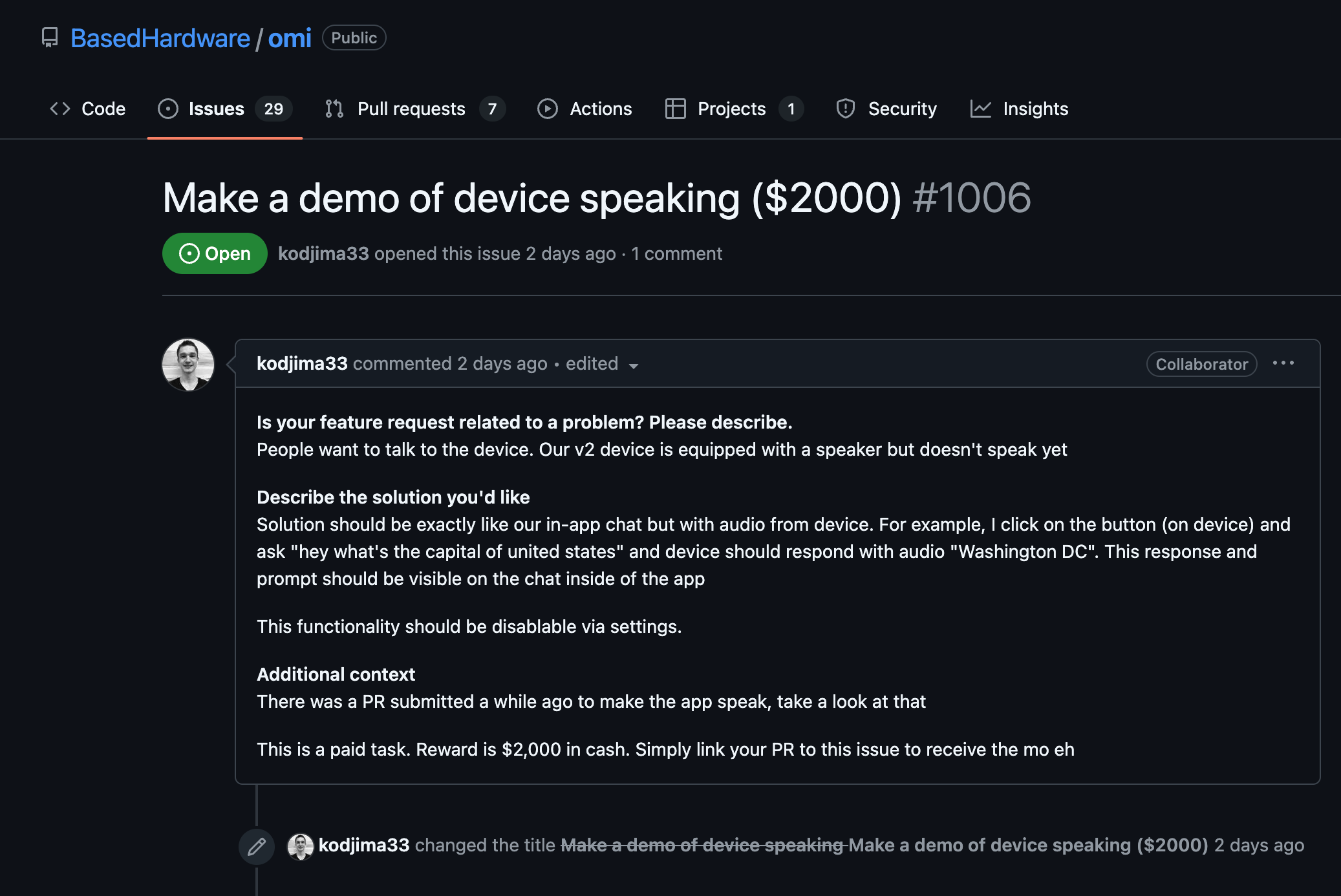
Get cash bounties, free Omi devices and priority access by taking part in community activities

Join our Discord → 

OMI NECKLACE + OMI APP
First & only open-source AI wearable platform

a person looks into the phone with an app for AI Necklace, looking at notes Friend AI Wearable recorded a person looks into the phone with an app for AI Necklace, looking at notes Friend AI Wearable recorded
online meeting with AI Wearable, showcasing how it works and helps online meeting with AI Wearable, showcasing how it works and helps
App for Friend AI Necklace, showing notes and topics AI Necklace recorded App for Friend AI Necklace, showing notes and topics AI Necklace recorded

thought to action.

Based Hardware Inc.

San Francisco
help@omi.me

Company

Careers

Invest

Privacy

Events

Manifesto

Compliance

Products

Omi

Omi Glass

Omi Enterprise

Wrist Band

Omi Charger

Download

Resources

Help Center

Status

Docs

Ambassadors

Affiliate

Bounties

App Store

Feedback

Resellers

GitHub

Community

© 2026 Based Hardware. All rights reserved.

Omi Dev Kit 2

Endless customization

Product not found

Omi Dev Kit 2: build at a new level

Key Specs

OMI DEV KIT

OMI DEV KIT 2

Microphone

Yes

Yes

Battery

4 days (250mAH)

2 days (250mAH)

On-board memory (works without phone)

No

Yes

Speaker

No

Yes

Programmable button

No

Yes

Estimated Delivery 

-

1 week

What people say

“Helping with MEMORY,

COMMUNICATION

with business/life partner,

capturing IDEAS, and solving for

a hearing CHALLENGE."

Nathan Sudds

“I wish I had this device

last summer

to RECORD

A CONVERSATION."

Chris Y.

“Fixed my ADHD and

helped me stay

organized."

David Nigh

OMI NECKLACE: DEV KIT
Take your brain to the next level

Product not found

LATEST NEWS
Follow and be first in the know

Latest news
FOLLOW AND BE FIRST IN THE KNOW