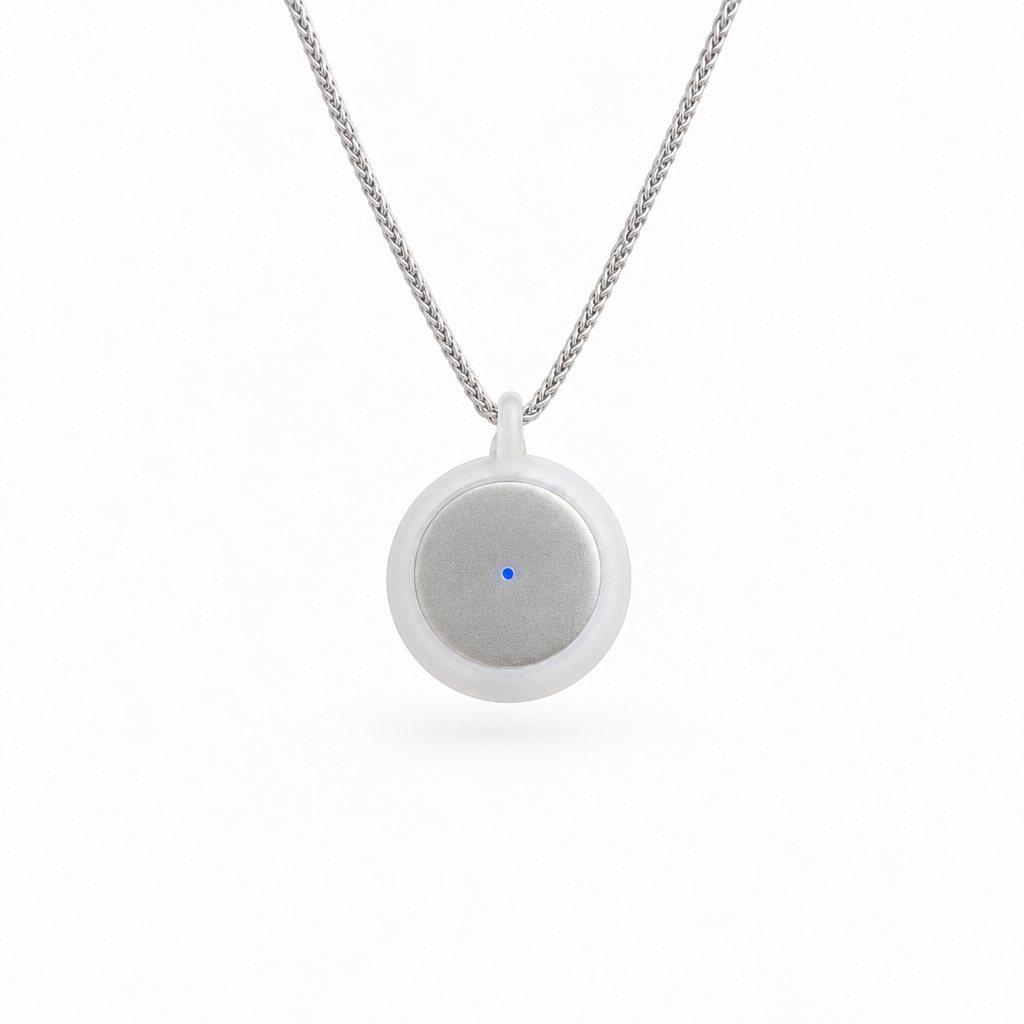
The best AI note taker for in-person meetings
By the Omi Team · November 3, 2026 · 7 min read

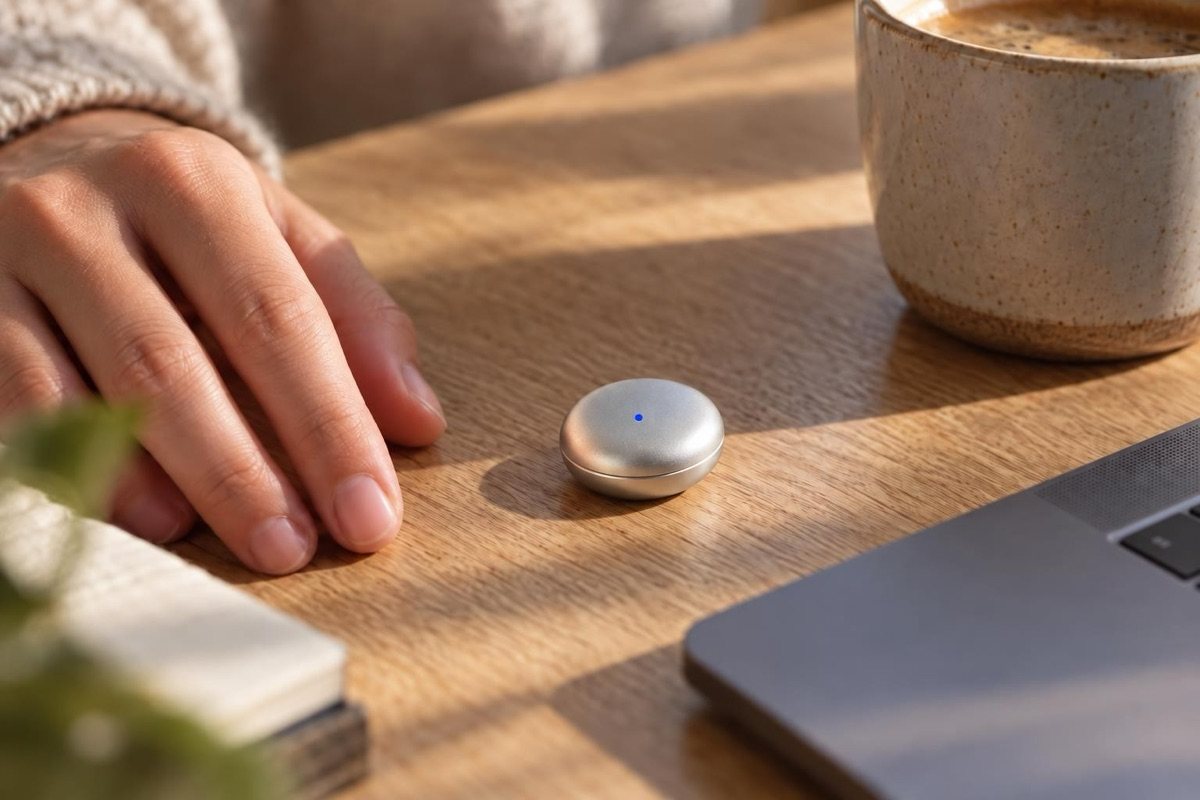
AI note takers like Otter, Fireflies and Granola work on video calls. In a real room, at a client's office, on a job site or over lunch, there's no call for a bot to join. A wearable fills that gap: it hears the room and gives you the same notes, summary and action items afterwards. Omi does it without you pressing record.
Your options for in-person notes
| Meeting bot apps | Phone recorder app | Button recorder (Plaud, Pocket) | Omi | |
|---|---|---|---|---|
| Video calls | Yes | Only on speaker | Yes | Yes, when worn |
| Planned in-person meetings | No | If you start it | If you press record | Yes |
| Hallway, lunch, the talk after | No | Rarely | Rarely | Yes |
| Summary and action items | Yes | Depends | Yes | Yes |
| Tasks sent to your task app | Some | Rarely | Some | Yes, seven apps |
| Works with ChatGPT and Claude | Some | No | Pocket yes, Plaud not listed | Yes, every plan |
The decision comes down to where your work happens. If it's all on Zoom, a meeting bot is enough. If you spend your day in rooms, you need something in the room with you.
What you get after each meeting
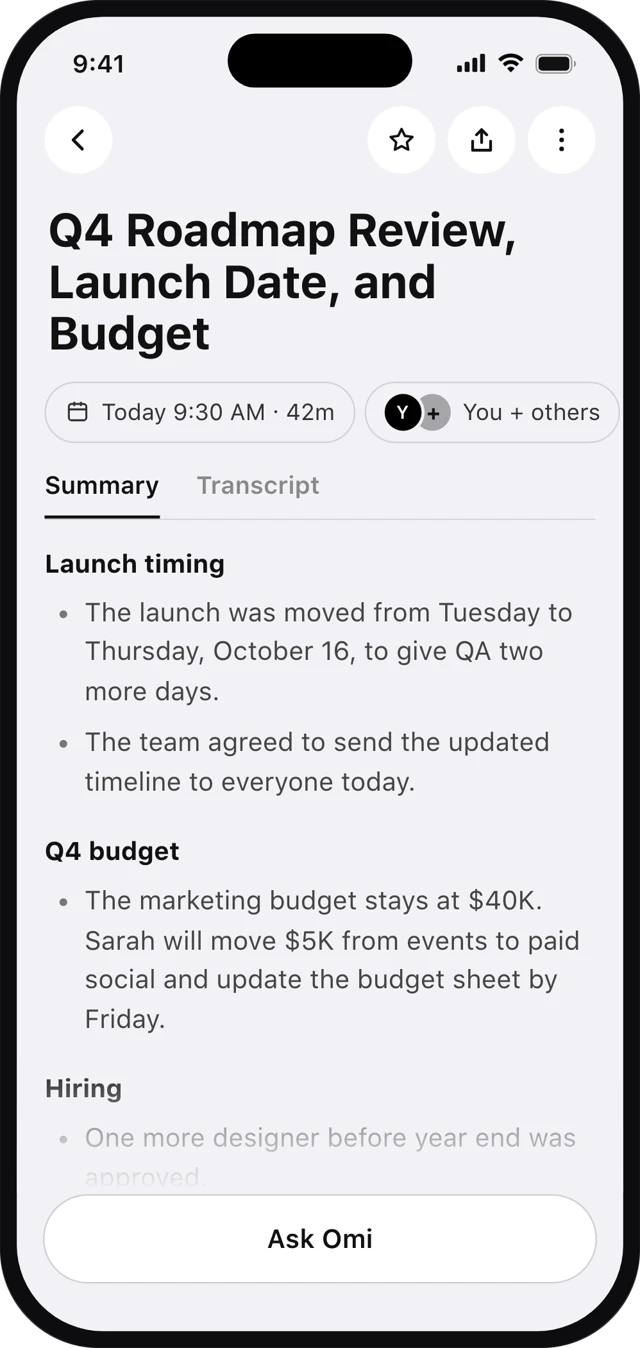
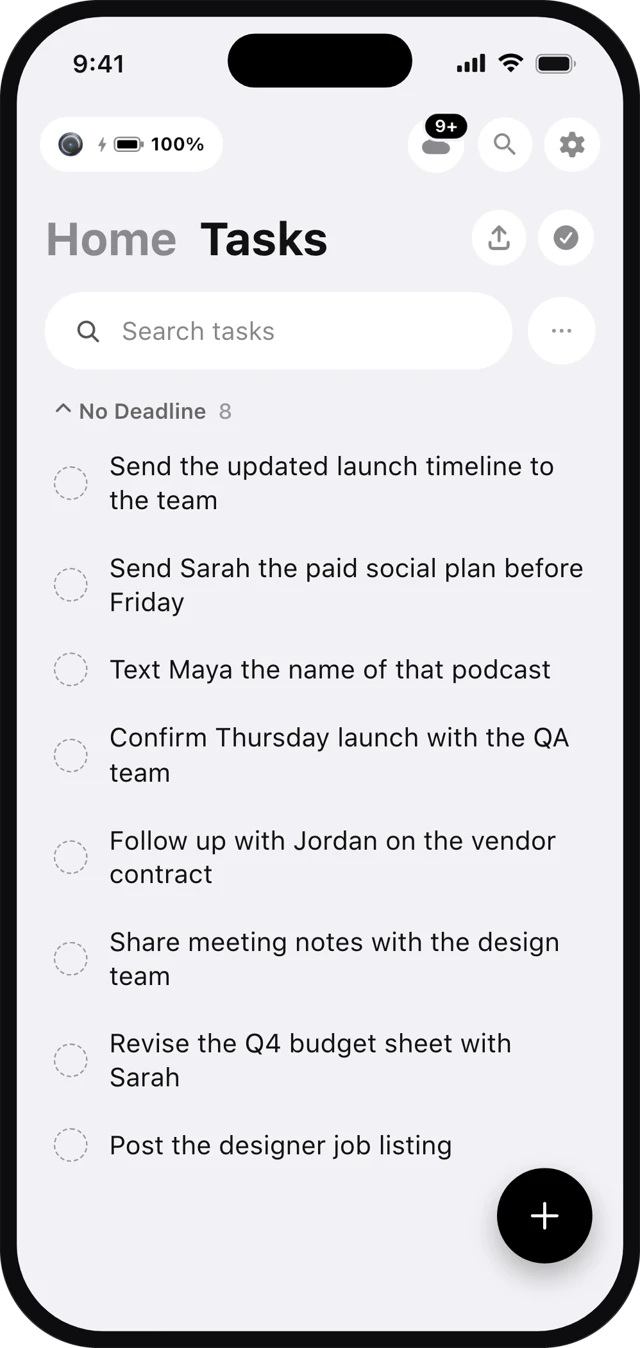
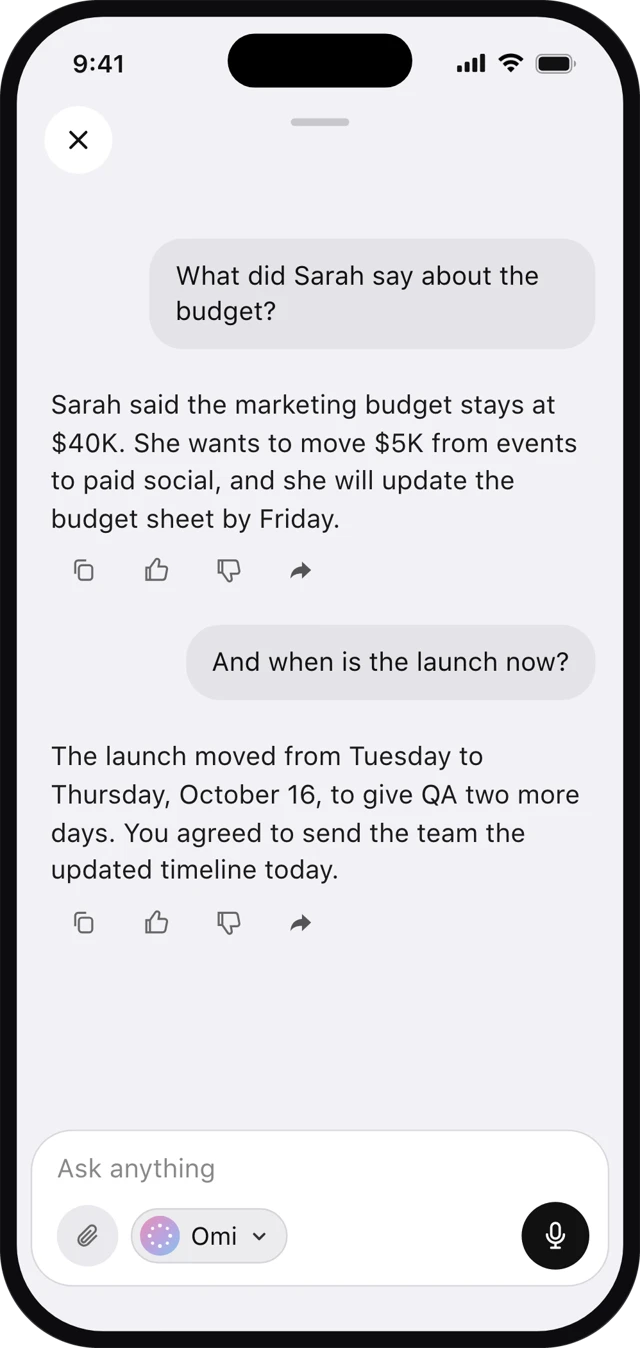
- A transcript of what was said.
- A summary you can read in 30 seconds, organized by topic.
- Action items in your Tasks tab, and in Apple Reminders, Google Tasks, Todoist, ClickUp, Asana, Trello or Monday if you connect one.
- Answers across meetings: "What did we decide about pricing in last week's client meetings?"
Who buys it
In our post-purchase survey, business owners are the largest group of Omi buyers (29%), followed by managers (15%). Their days are client visits, team check-ins, sales meetings and site walks: the conversations a meeting bot never sees.
A field day with Omi
- Client visitWalk the property, agree on three changes. They're tasks before you're back in the truck.
- Team check-inStandup in the warehouse. The summary goes to the team from the app.
- Supplier callOn speaker in the car. Captured, with the new delivery date.
- End of dayAsk: "What did I commit to today?" and send the list to your task app.
Works with the AI you already use
Connect ChatGPT and Claude to Omi on any plan. Your assistant then knows what was said in your meetings, so you can ask it to draft the follow-up email or the proposal without retyping your notes.
Frequently asked questions
Can AI take notes in an in-person meeting?
Yes, with a wearable recorder. Omi hears the room, then writes a transcript, summary and action items when the meeting ends.
What's the difference between Omi and Otter or Fireflies?
Otter and Fireflies join video calls. Omi is worn, so it also works in physical rooms and the conversations around them.
Does Omi work on video calls too?
Yes, if you're wearing it while the call plays out loud near you.
How long does the battery last?
10 to 14 hours on one charge, enough for a full workday of meetings.
Can I share the notes?
Yes. Send the summary from the app after the meeting.